FeaturedSmarty Ears Online: 100+ activities in your browser, with progress reports for every student. Try it free for 14 days. Learn more →
Go-Togethers app icon with the duck mascot Speech & language app for iPad and iPhone

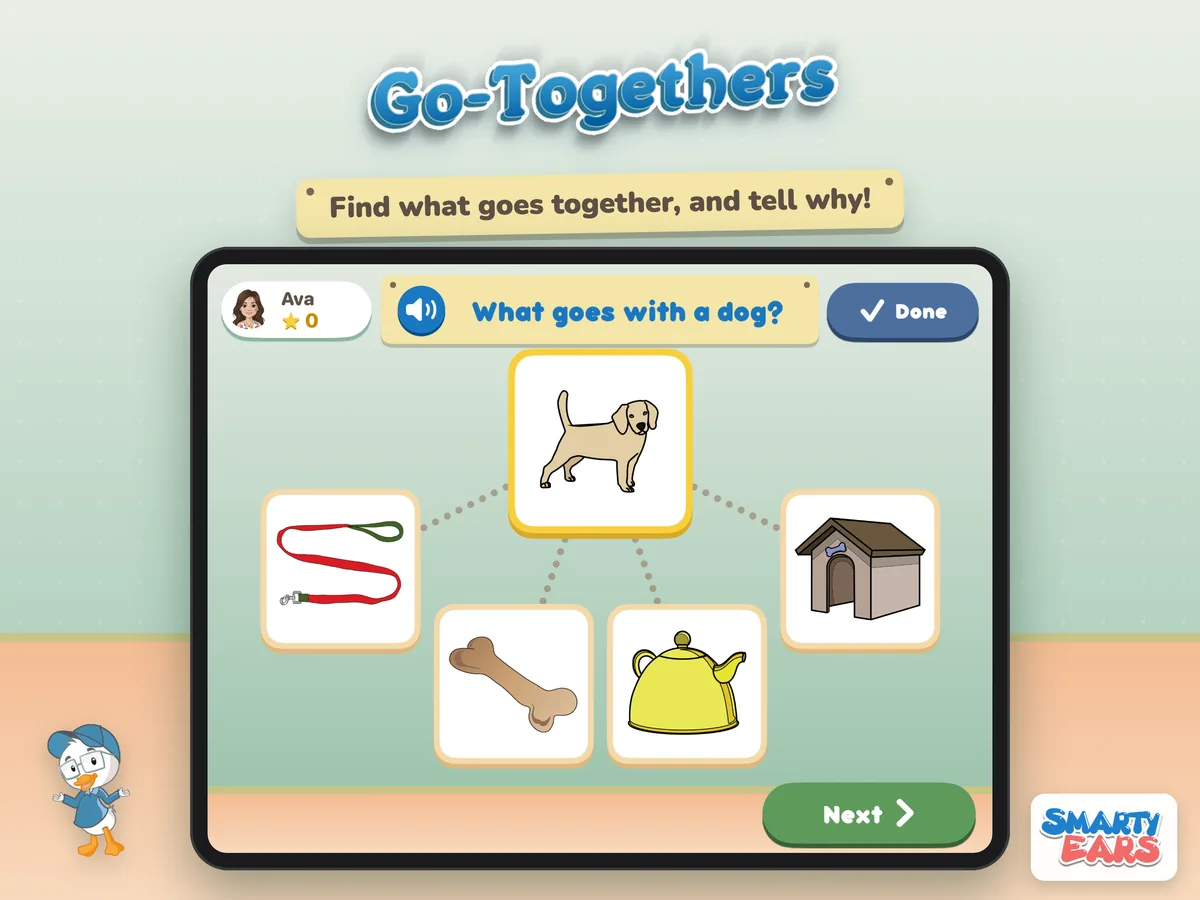
Find what goes together, and tell why.

Go-Togethers builds vocabulary and word associations. Children hear “What goes with a dog?”, find the pictures that belong together, then say what goes and why. Created by speech-language pathologists for SLPs, teachers and parents.
  • iPad & iPhone
  • English · Español · Português · Français
  • Receptive + expressive
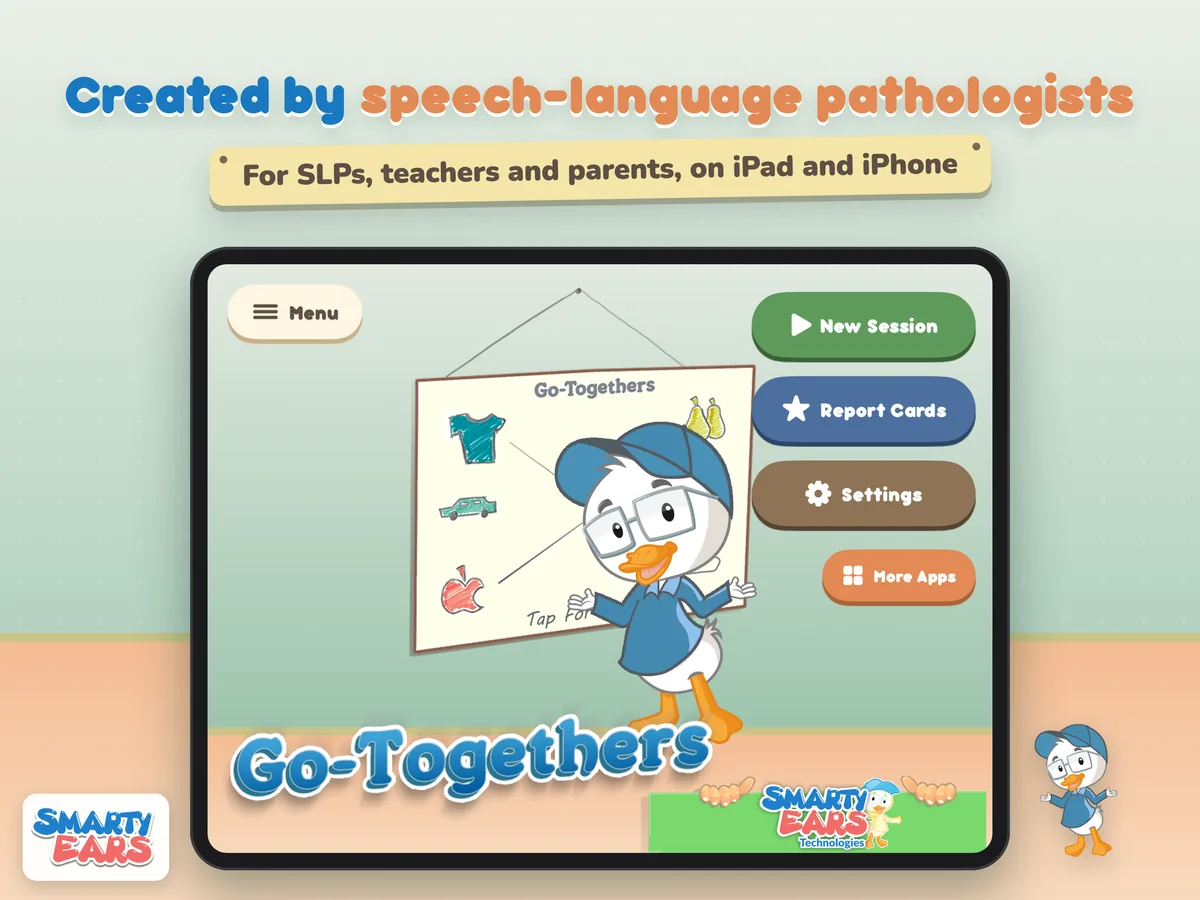
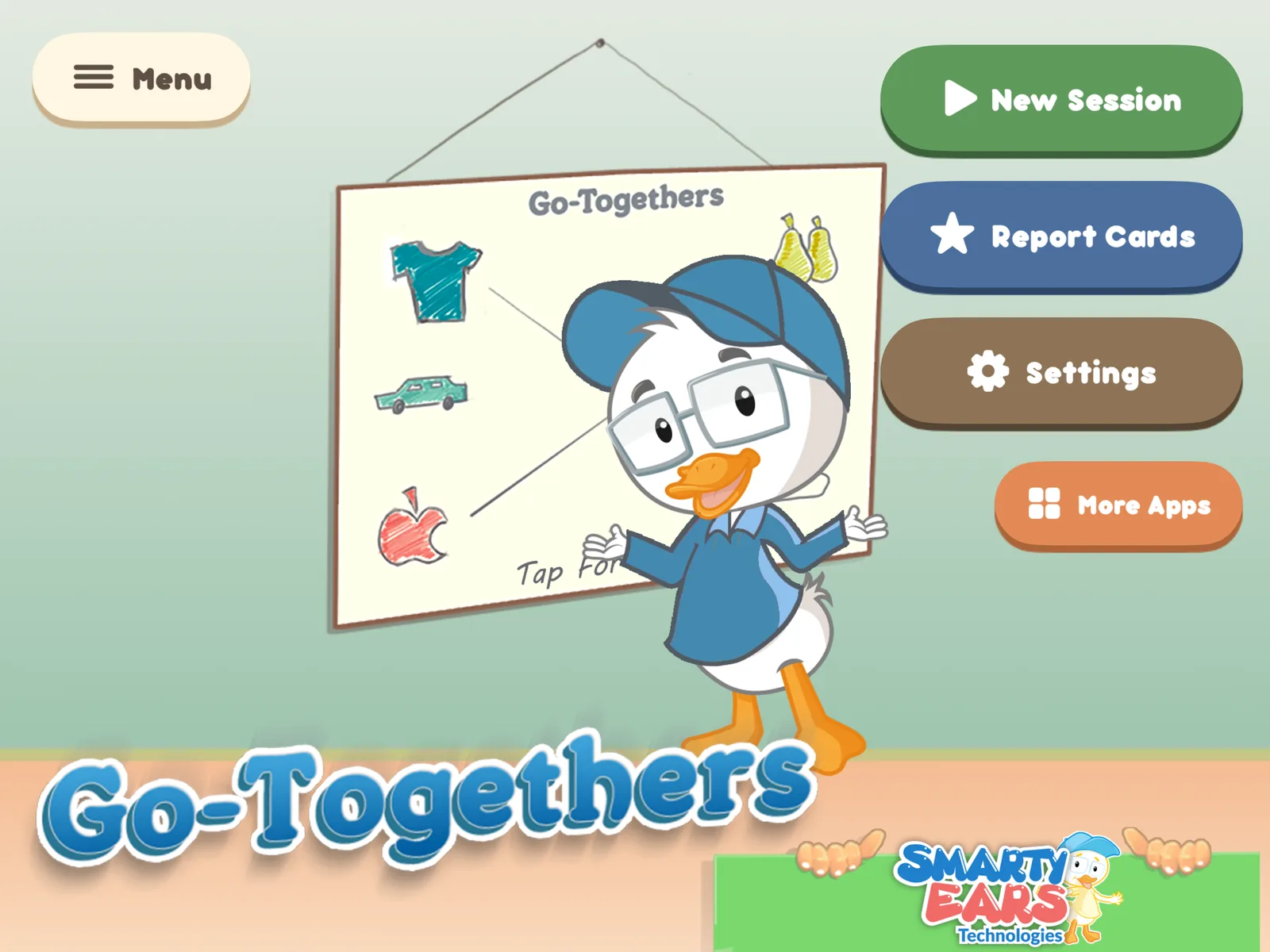
Go-Togethers home screen on iPad: the duck mascot points to a board, with New Session, Report Cards and Settings buttons
  • 197pictures
  • 18categories
  • 2levels
  • 3activities
  • 4languages
  • 119avatars
See it in action

Go-Togethers in under 2 minutes

A quick look at the new Go-Togethers: the questions, the matches, the celebrations and the report cards.
Take a look inside

A friendly room your students will want to visit

Swipe or scroll to see more →

How it works

Listen, match, celebrate

Each screen shows one picture in the middle and a few around it. Some go with it, and one doesn’t belong.
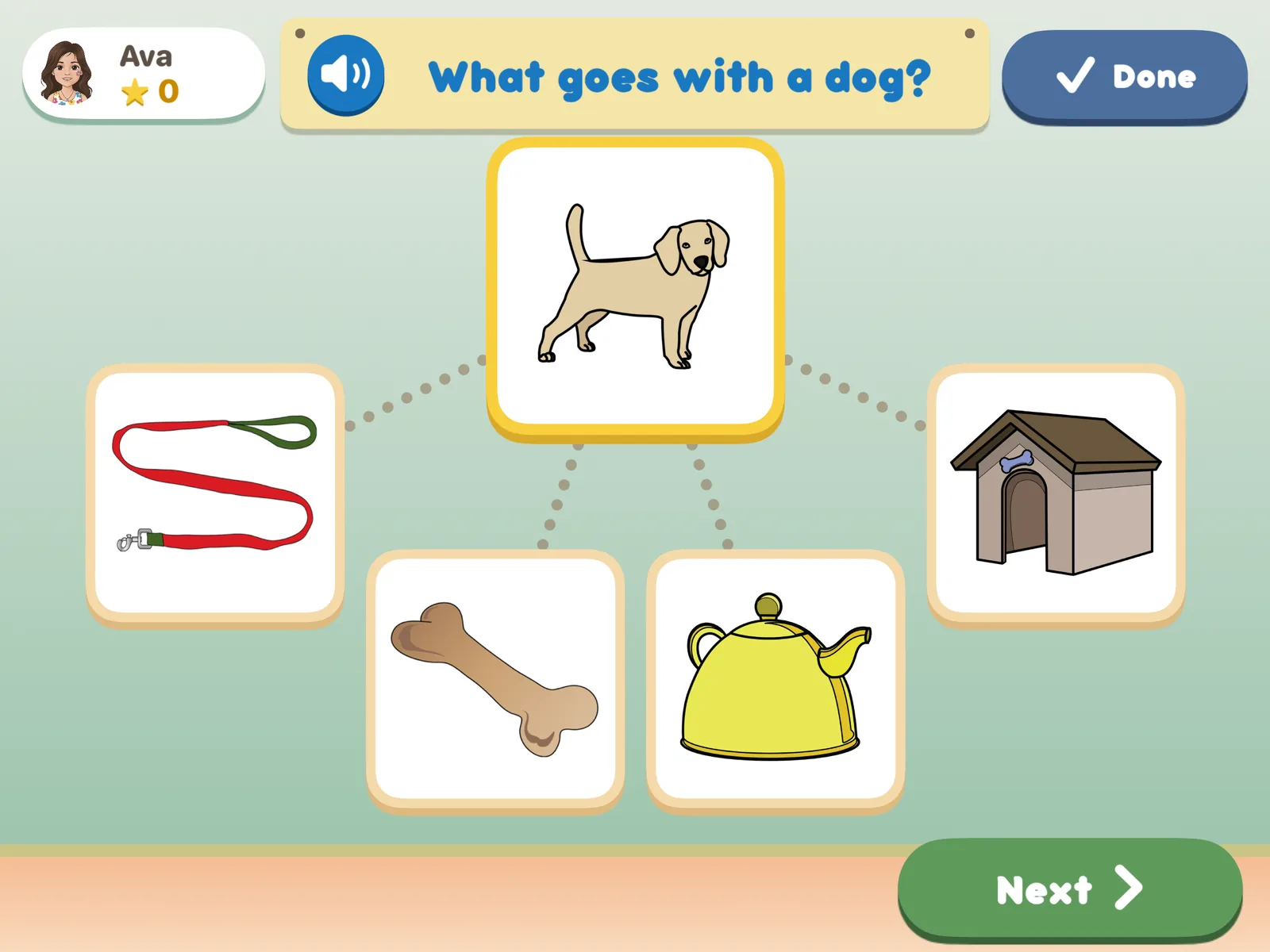
The question screen: What goes with a dog? A dog in the middle with a leash, a bone, a teapot and a doghouse around it

1Hear the question

Every question is read aloud, like “What goes with a dog?”, so even early readers can play.
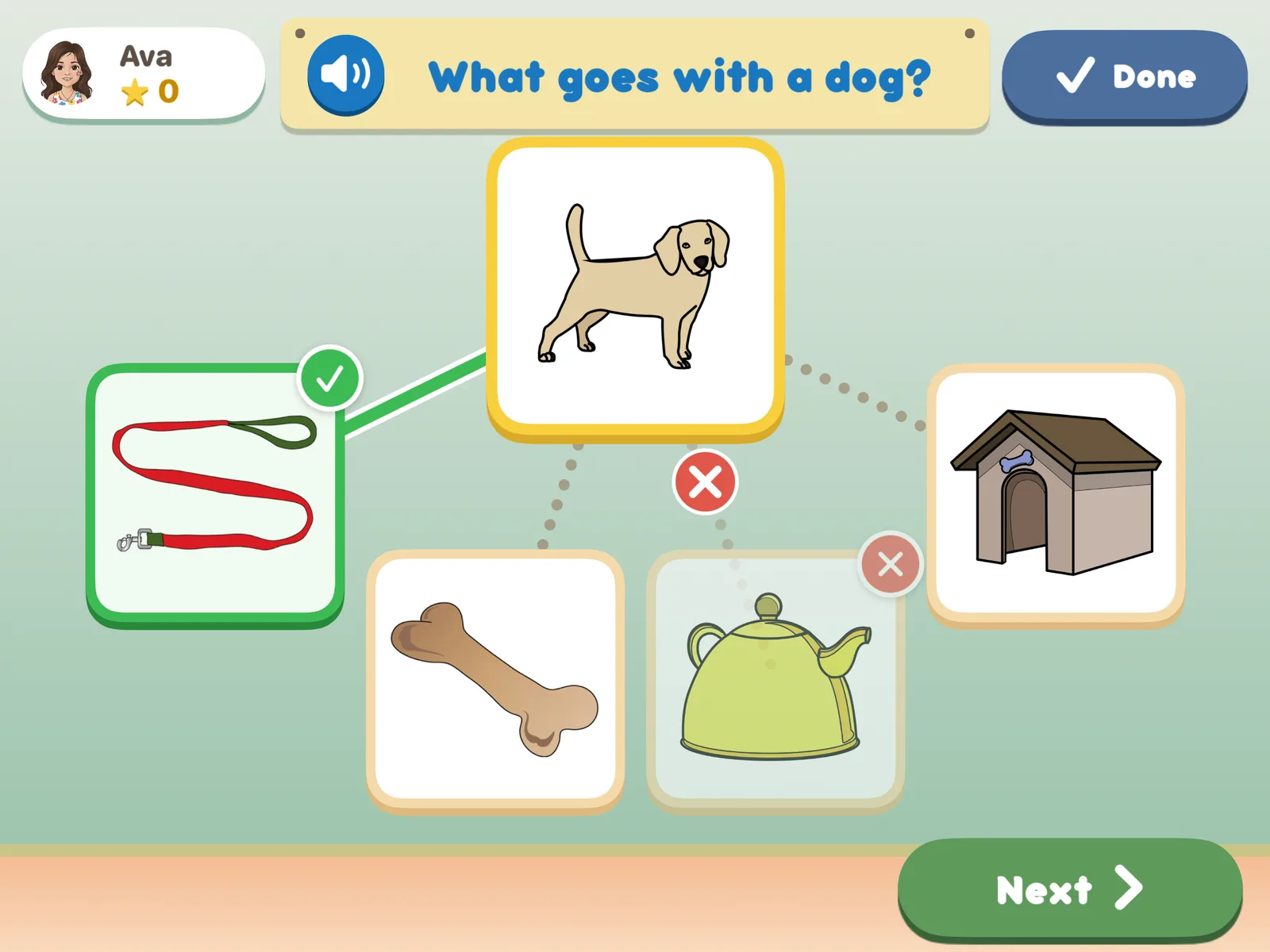
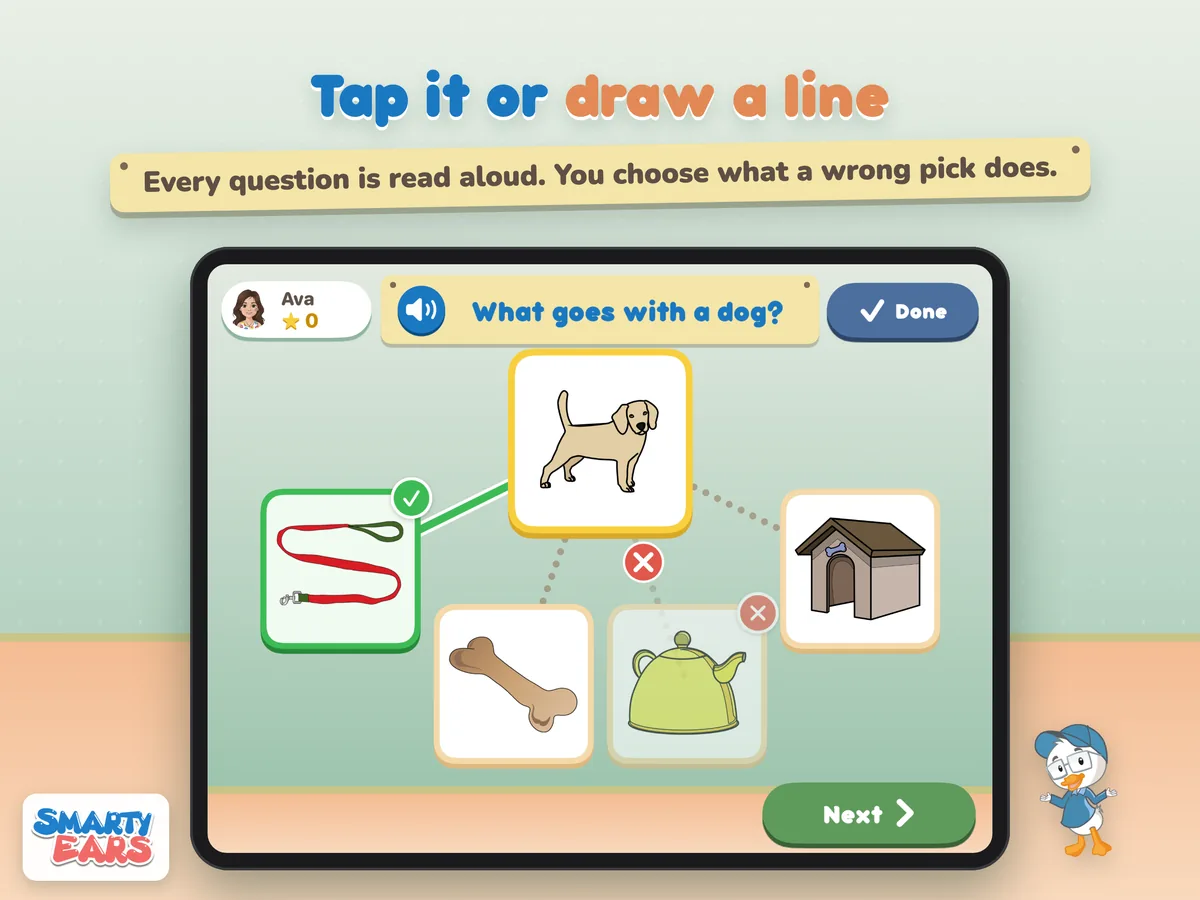
A right match gets a green check and the wrong pick, a teapot, gets a red X

2Tap or draw a line

Students tap a picture or draw a line from the middle picture. Right answers turn green with a check; a wrong pick gets an X.
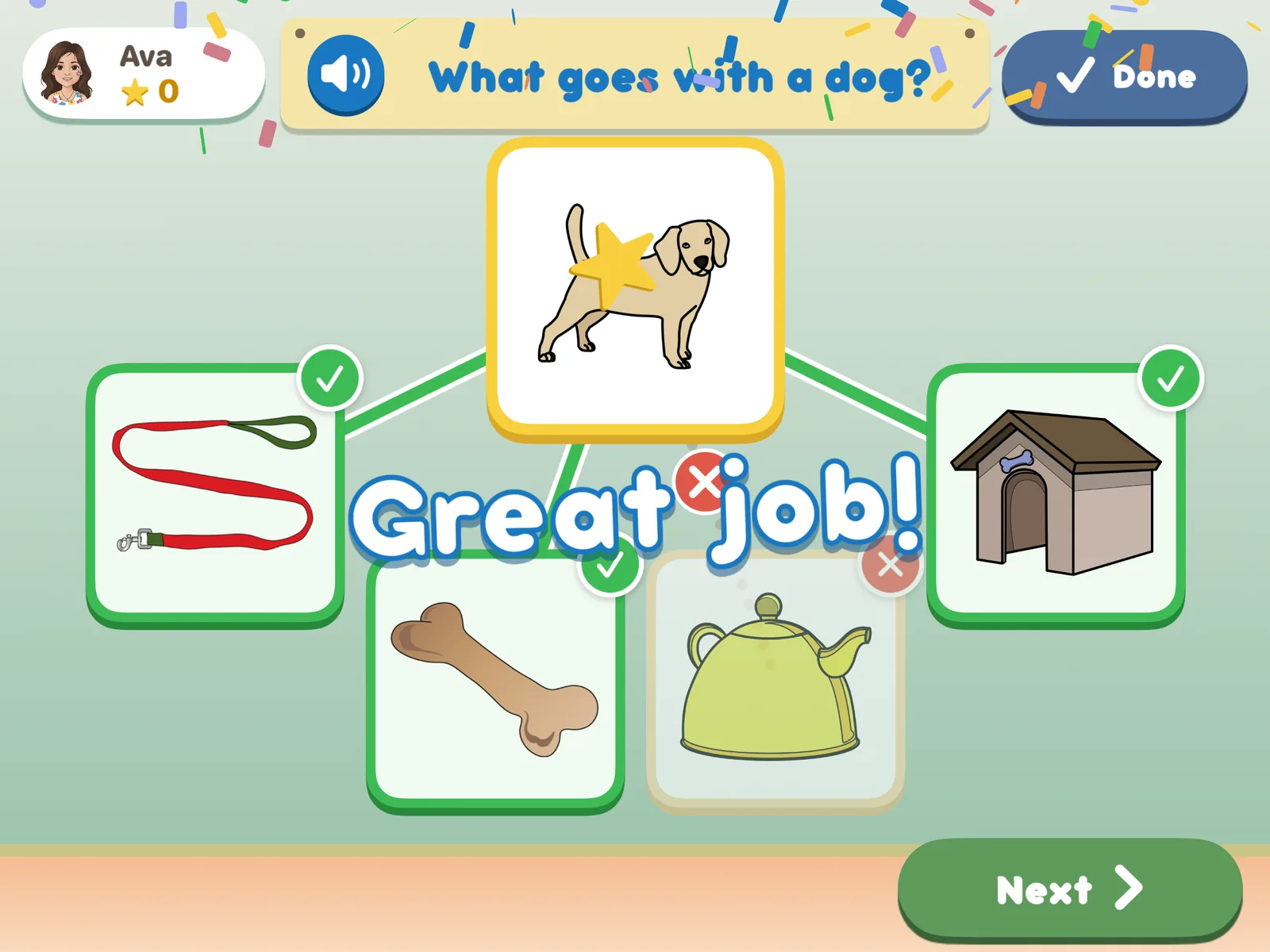
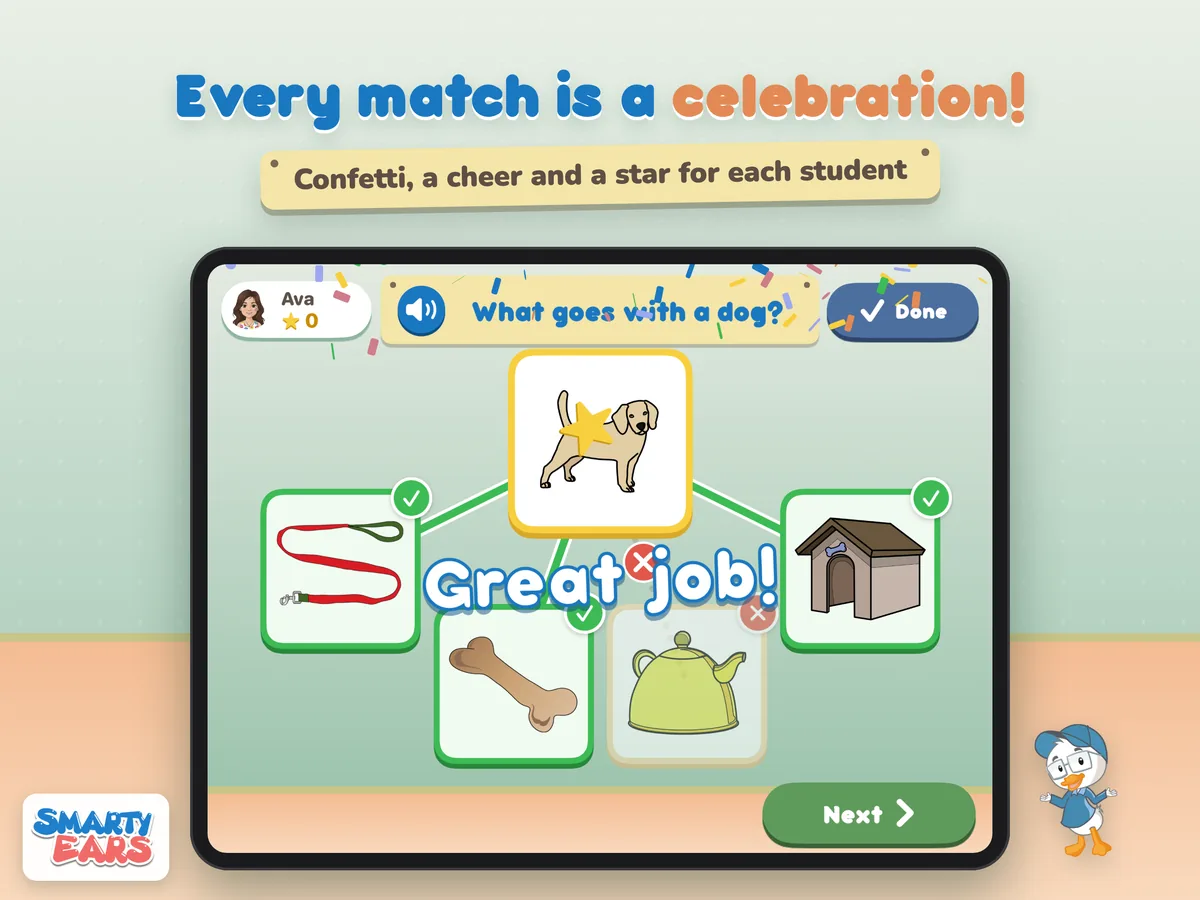
All matches found: confetti and a Great job! message

3Celebrate every win

When all the matches are found, confetti and a cheer fill the screen and the student earns a star.
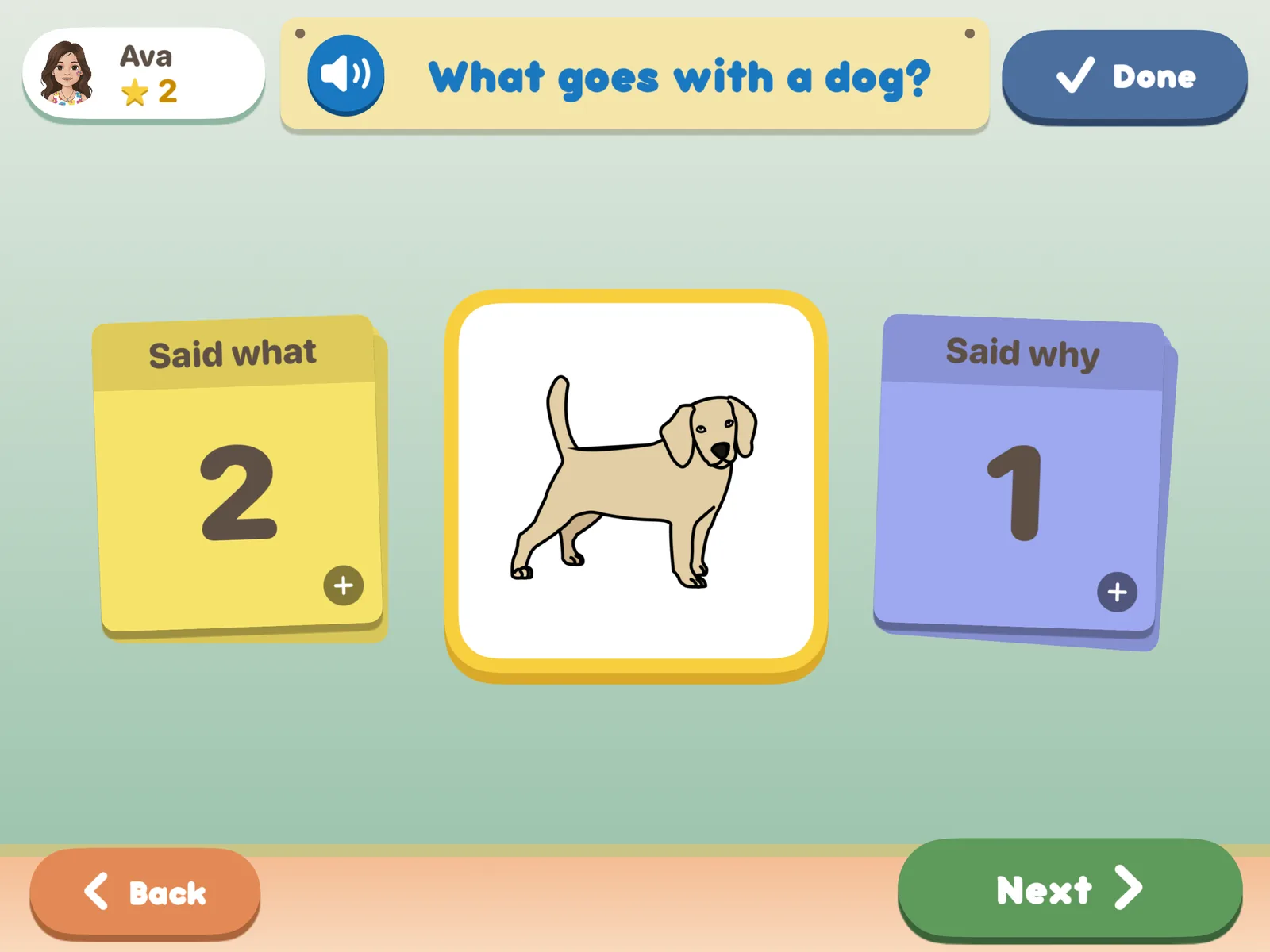
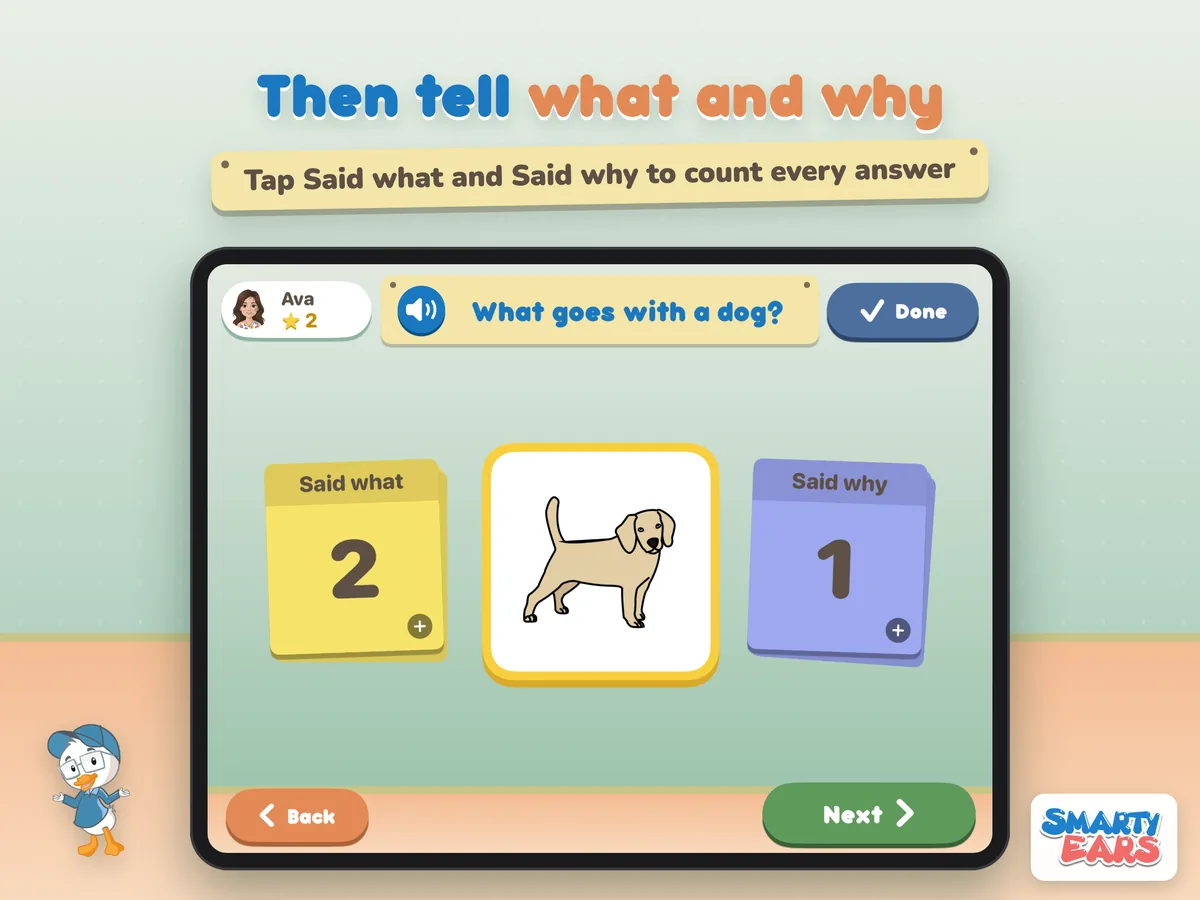
Expressive activity: a dog picture between a yellow Said what note showing 2 and a purple Said why note showing 1
Receptive + expressive

From finding the match to explaining why

Start with finding the pictures that go together, then move to naming them and giving reasons. Tap Said what for each thing a student names and Said why for each reason they give.
ReceptiveFind the pictures that go together.
ExpressiveSay what goes with the picture, and why.
AlternatingSwitches between the two.
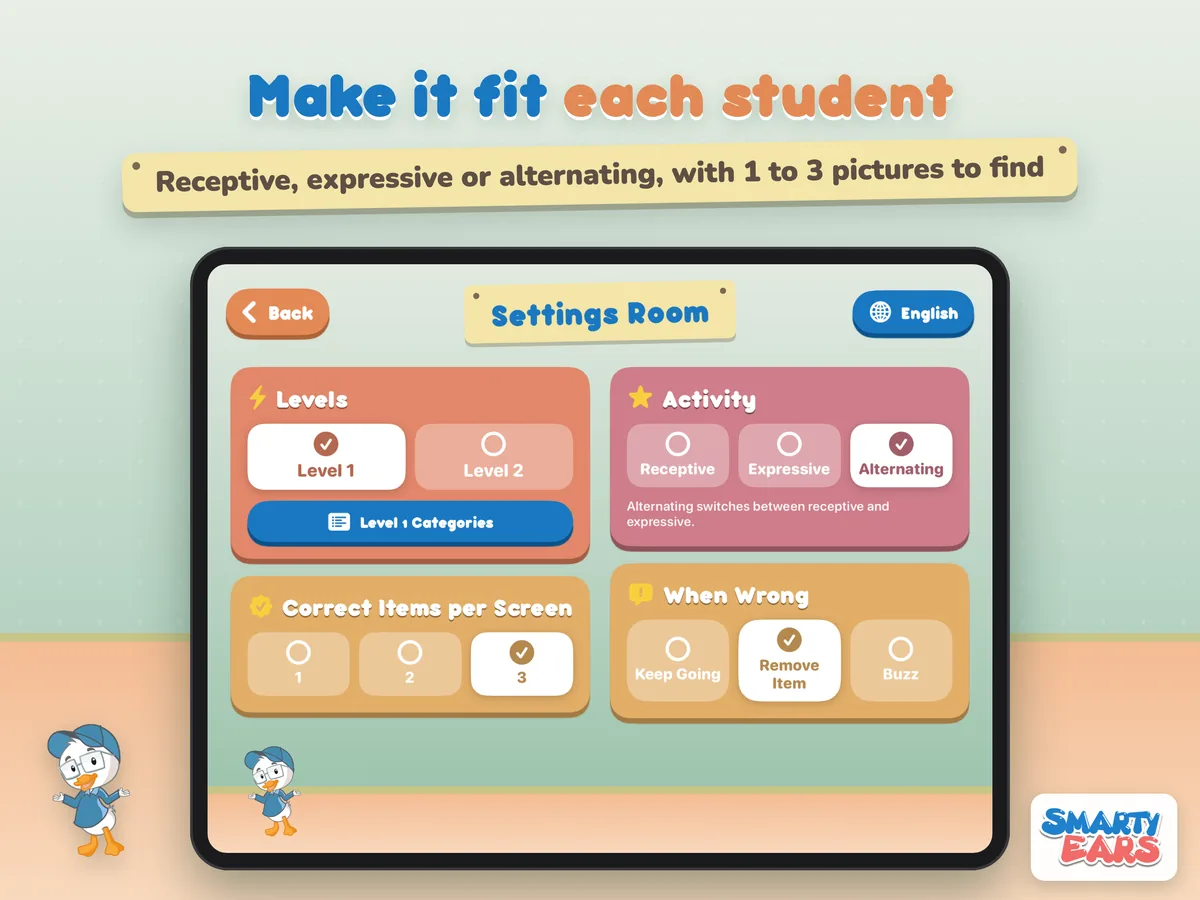
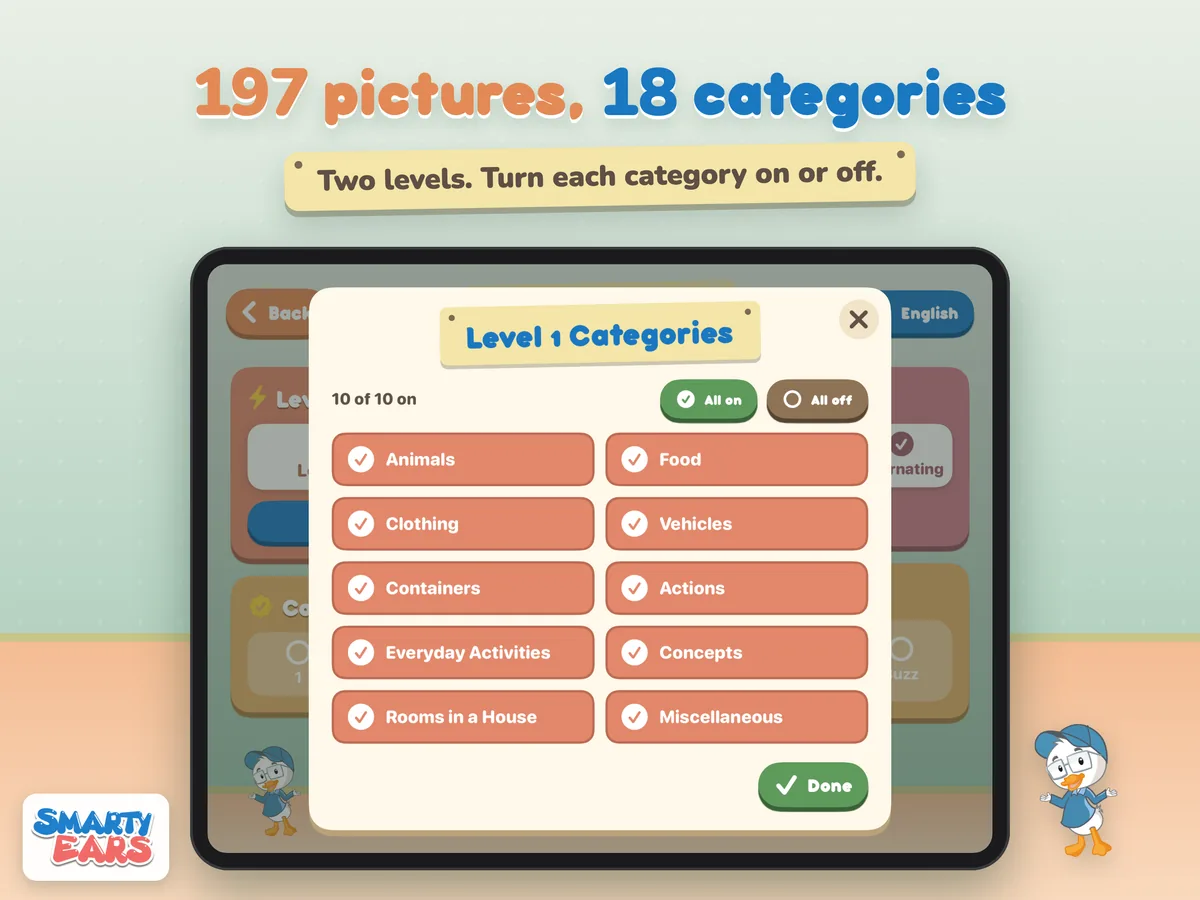
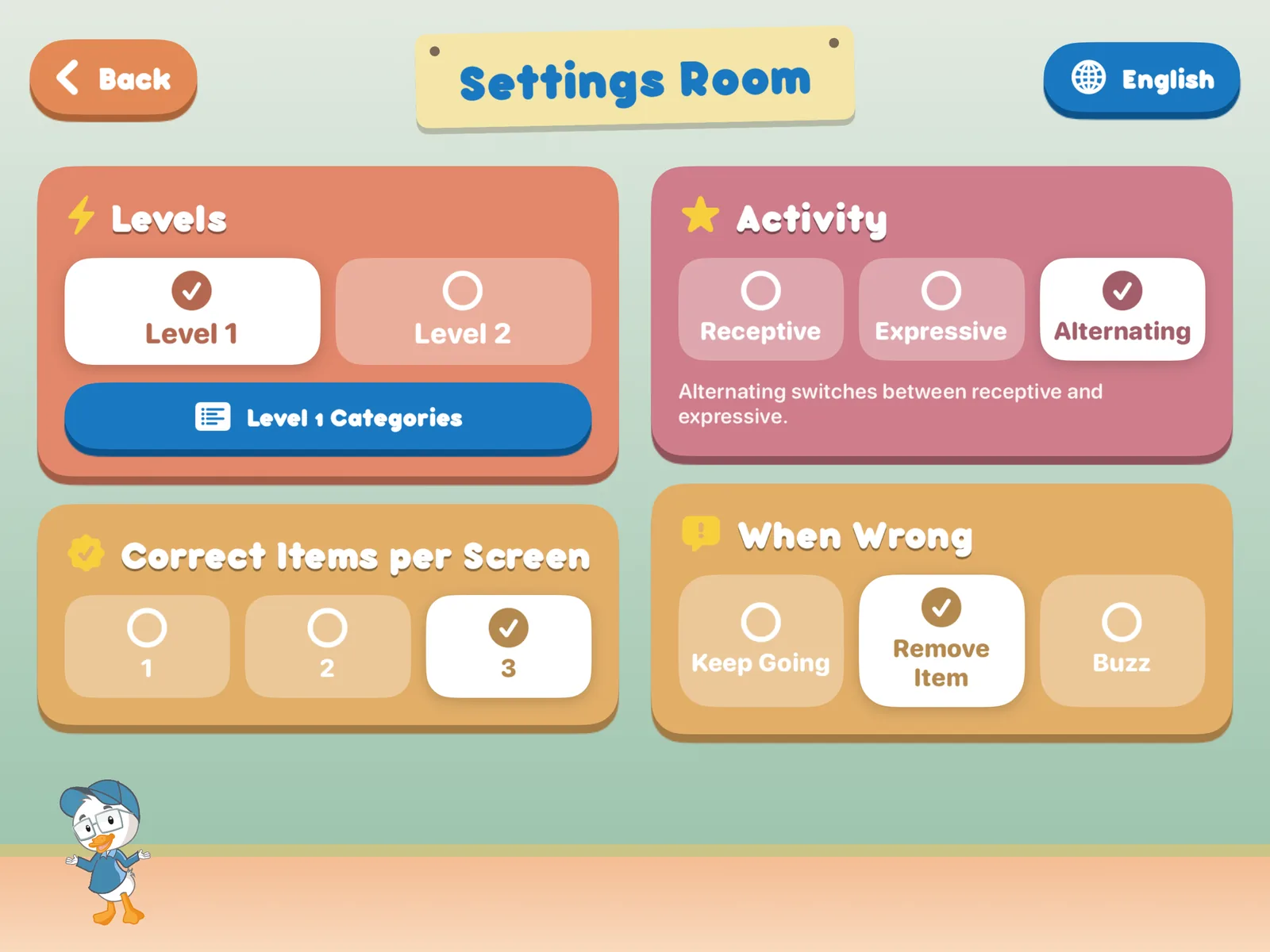
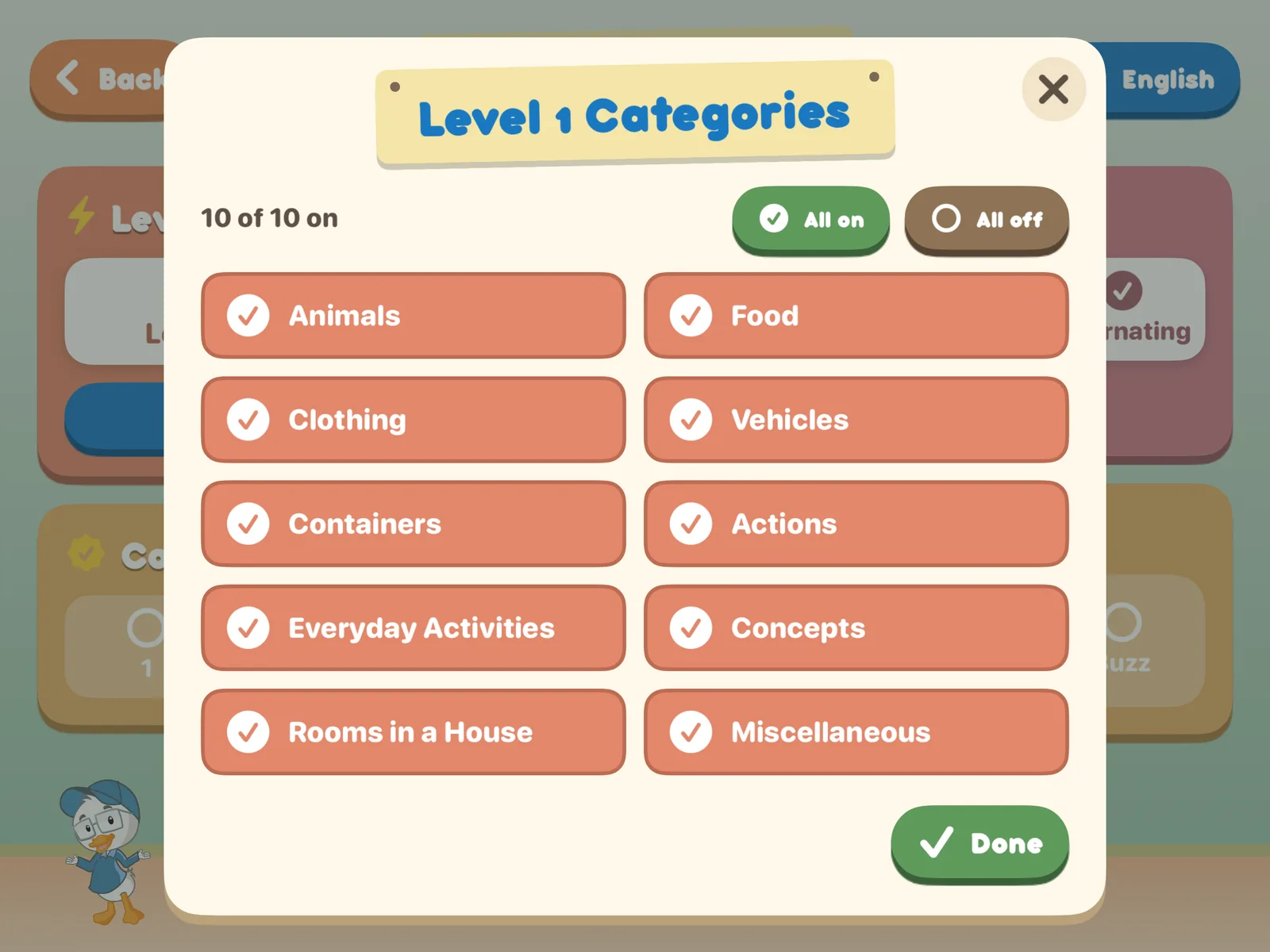
The Settings Room: levels, activity, correct items per screen and what happens when wrong Level 1 categories, each one with an on or off switch
Make it fit each student

Set it up in the Settings Room

  • 197 pictures in 18 categories across two levels, from animals, food and clothing to vehicles, actions, everyday activities and rooms in a house.
  • Turn each category on or off to target exactly what you are working on.
  • 1, 2 or 3 pictures to find on each screen, plus one that doesn’t belong.
  • You choose what a wrong pick does: keep going, remove the picture, or a buzz and “Try again!”
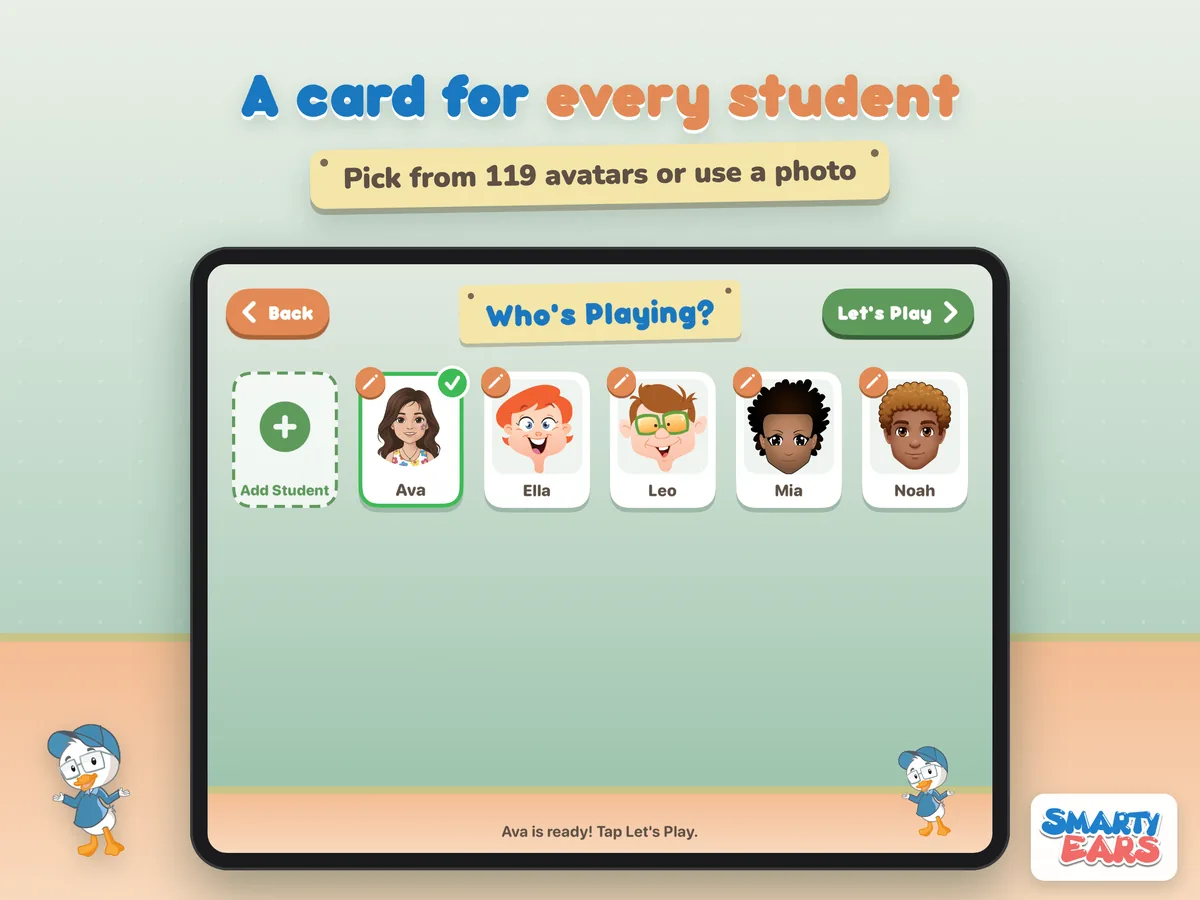
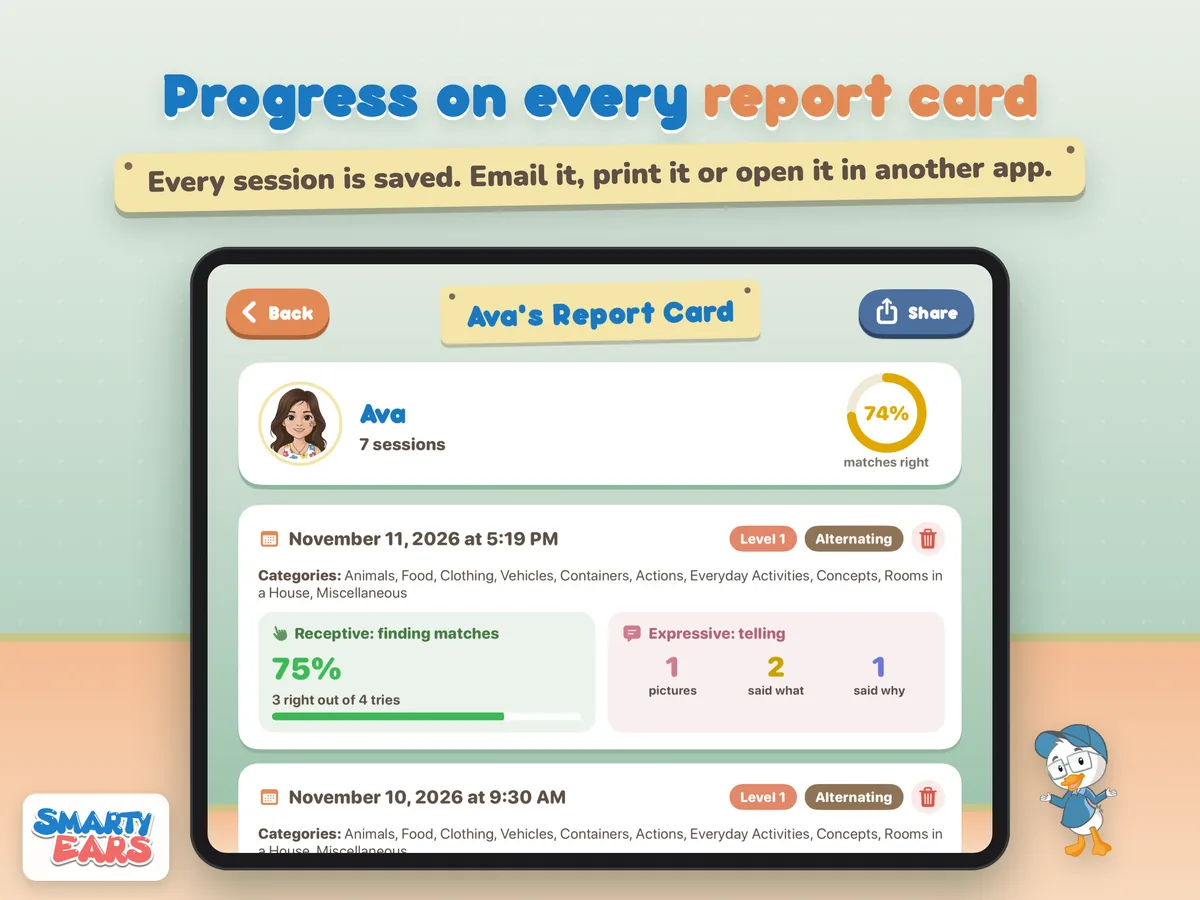
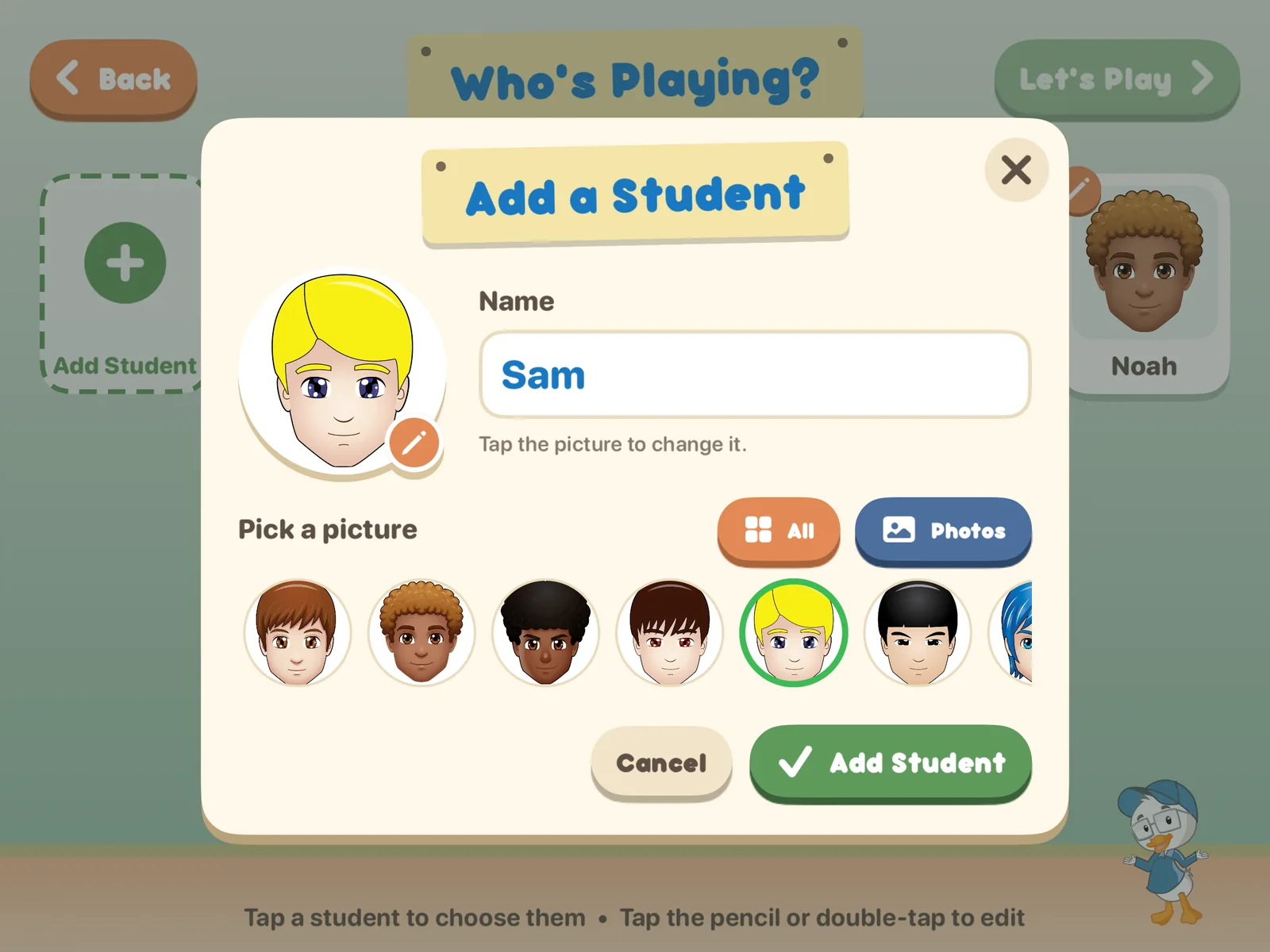
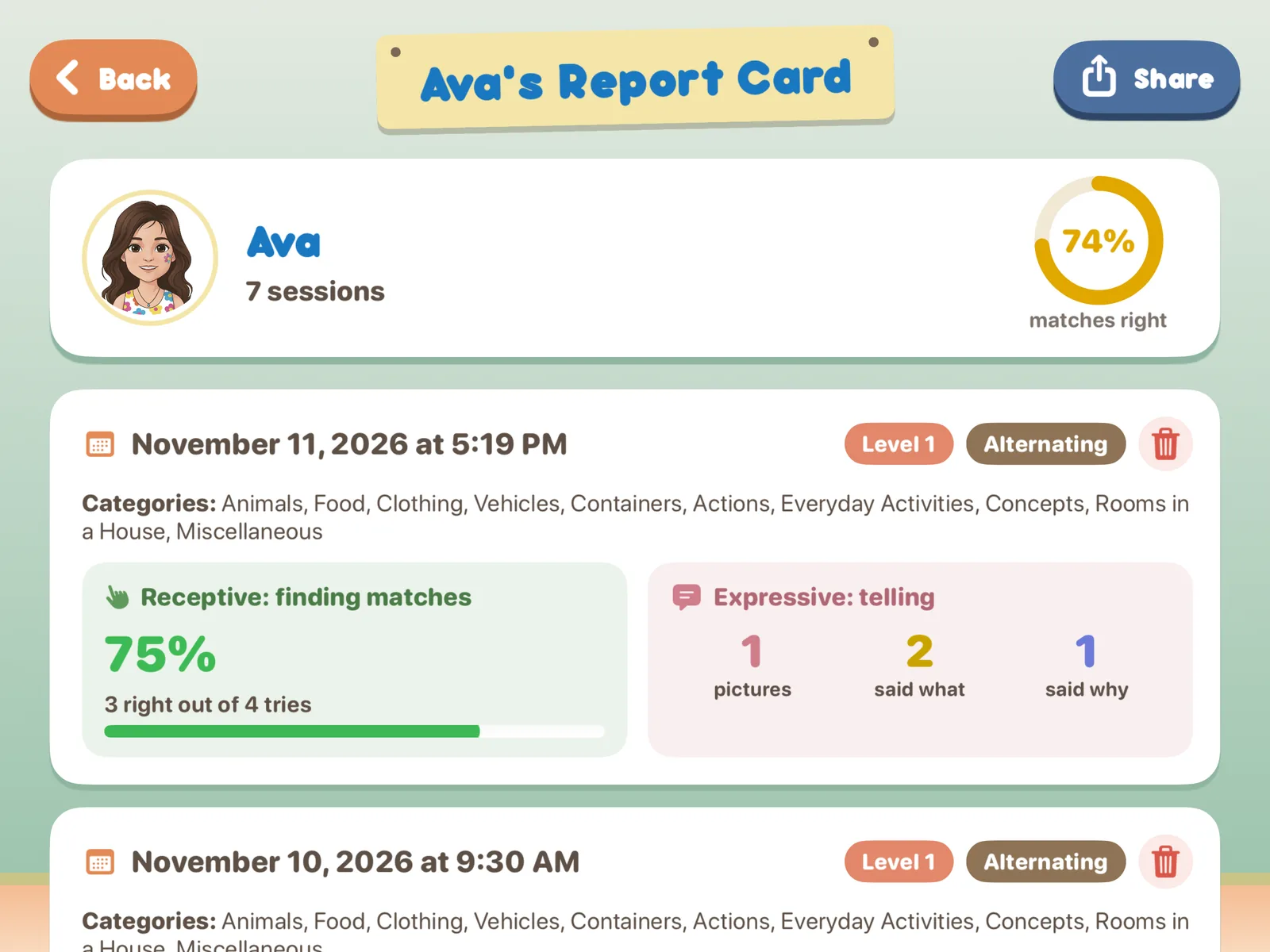
Add a Student card with a name field and a row of avatars to pick from Ava's report card showing 74 percent matches right, session details and receptive and expressive scores
Students & report cards

Every session saved on a report card

Add each student with a name and one of 119 avatars, or a photo. One student plays at a time, and Go-Togethers keeps a report card for each one.
  • Sessions and % of matches right at a glance.
  • Each session’s details: date, level, activity and categories, the receptive score and the Said what / Said why tallies.
  • Share it your way: email it, print it, or open it in another app.
  • Back up and restore your students and their report cards on this device or a new one.
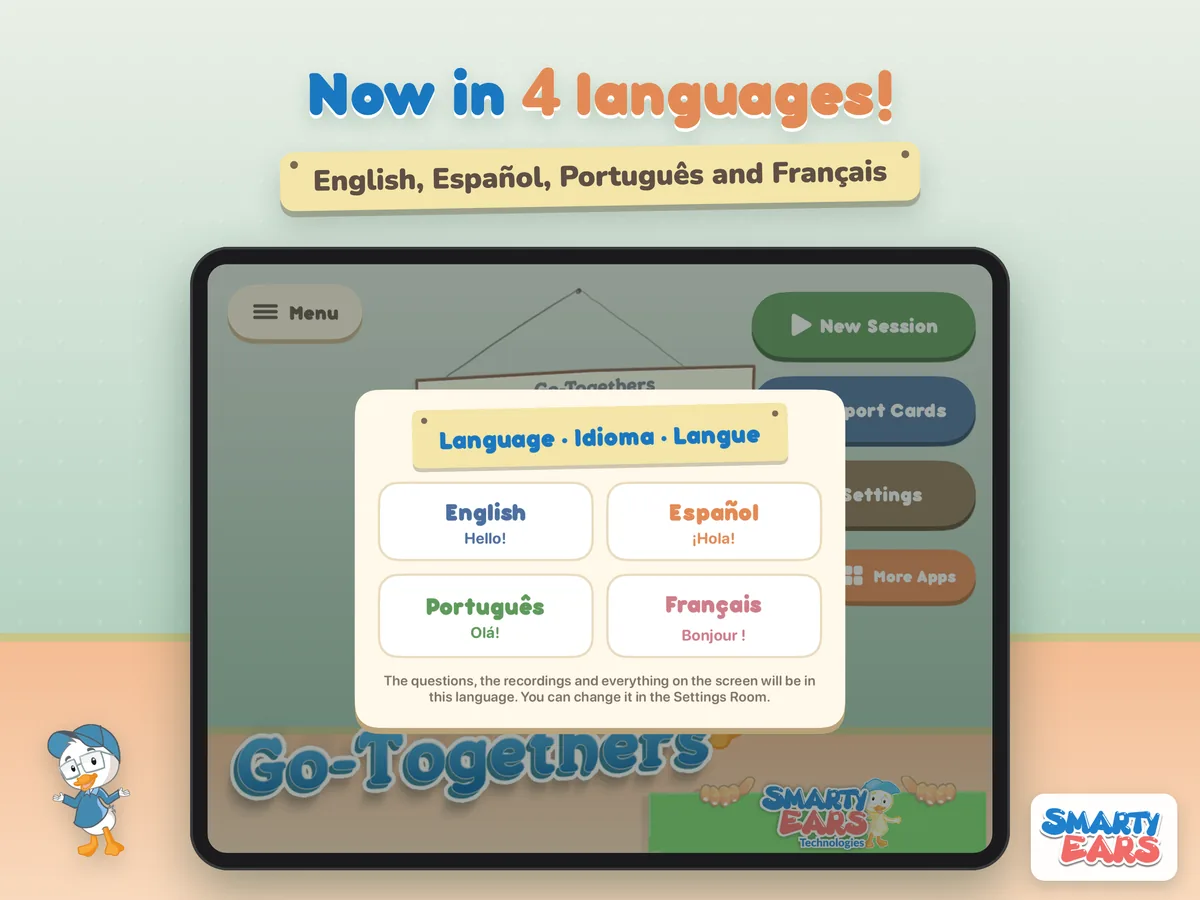
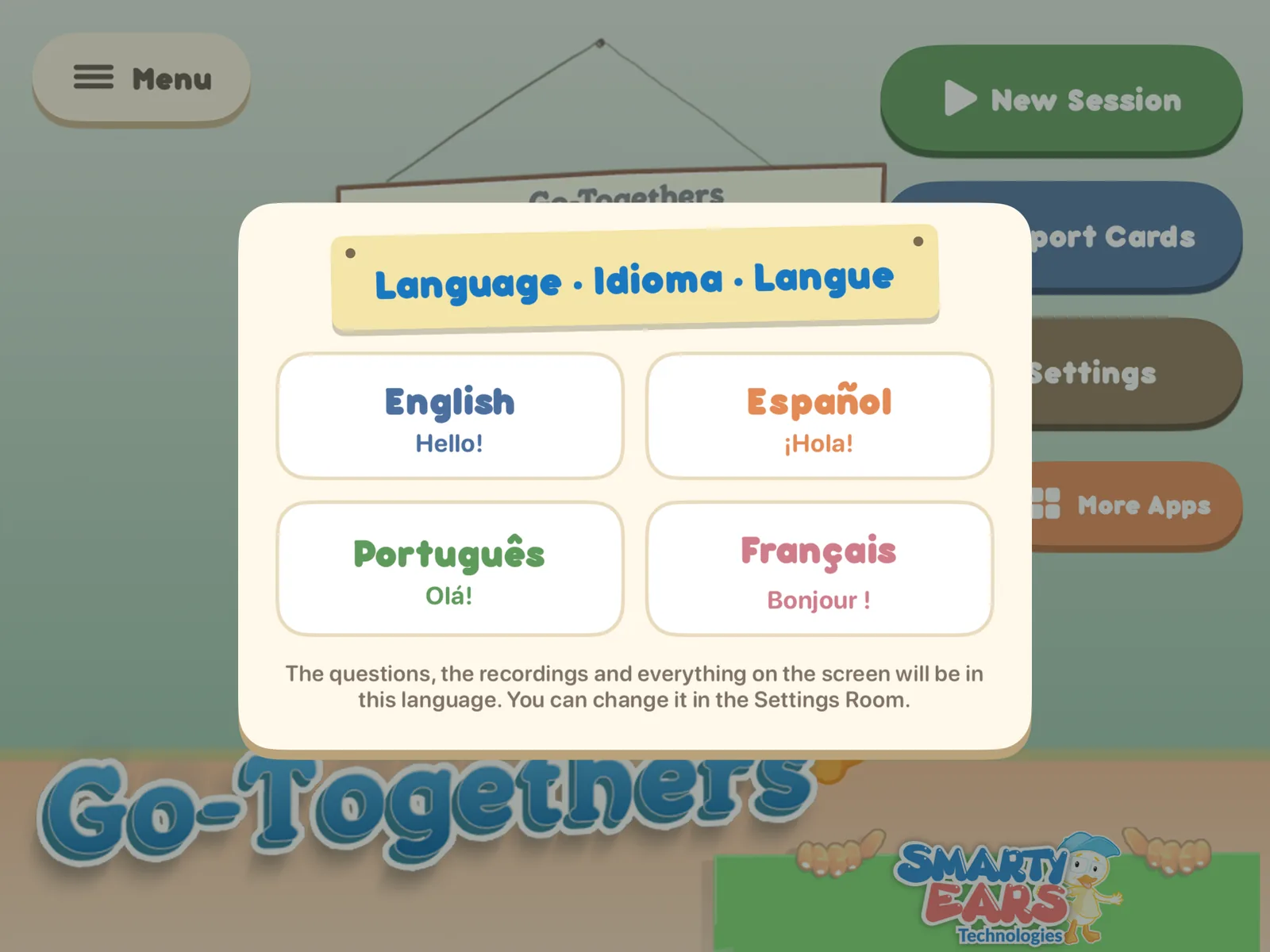
Language chooser with English, Español, Português and Français
Four languages

Play in English, Spanish, Portuguese or French

The questions are recorded in each language, and everything on the screen changes with it. Choose a language the first time you open the app, or change it any time in the Settings Room.
  • EnglishHello!
  • Español¡Hola!
  • PortuguêsOlá!
  • FrançaisBonjour !
How to use Go-Togethers

Ready for your first session in minutes

The video tutorial (3:37) walks you through everything. It’s also in the app’s Menu.

  1. Choose a language the first time you open the app.
  2. Set up the Settings Room: level, categories, activity and pictures to find.
  3. Tap New Session, add or pick a student, and tap Let’s Play.
  4. Check the report card afterwards, and share it with the team.
Made by speech-language pathologists

Built for the people who help children talk

SLPs

Target word associations, categories and verbal reasoning, with receptive and expressive practice and a report card for every student.

Teachers

Questions are read aloud and the pictures are clear, so students can play with little help in class.

Parents

Practice at home and talk about why things go together. Set the language your family speaks.

Go-Togethers was created by speech-language pathologists Susan Rose Simms, M.A., CCC-SLP, and Sean J. Sweeney, CCC-SLP, and is made by Smarty Ears.

FAQ

Questions, answered

Which devices does Go-Togethers work on?

Go-Togethers works on iPad and iPhone and requires iOS 17 or later. Download it from the App Store.

What languages does it come in?

English, Spanish, Portuguese and French. The questions are recorded in each language, and you can change the language any time in the Settings Room.

Can several students play together?

One student plays at a time. Add as many students as you need and pick who’s playing at the start of each session. Each student has their own report card.

Where are my students’ data kept?

Students and report cards stay on your device. Use Backup Management to make a backup and save it to Files or send it, then restore it on this device or a new one.

What skills does it target?

Word associations and vocabulary: finding the pictures that go together (receptive), and naming what goes and explaining why (expressive). 197 pictures across 18 categories and two levels.

How do I get help?

Tap Go-Togethers Support in the app’s Menu, or use the app support link below. Our app team replies within 48 business hours.

Find what goes together, and tell why

Give your students a fun, clear way to build vocabulary and explain their thinking, in four languages.

For iPad and iPhone · Requires iOS 17 or later

Need help with Go-Togethers?Questions, problems or restoring a purchase? Our app team replies within 48 business hours.
Get app support →