
Tailored exclusively for Speech-Language Pathologists. Identify specific language deficits quickly and accurately to empower your personalized treatment plans.
View on the App Store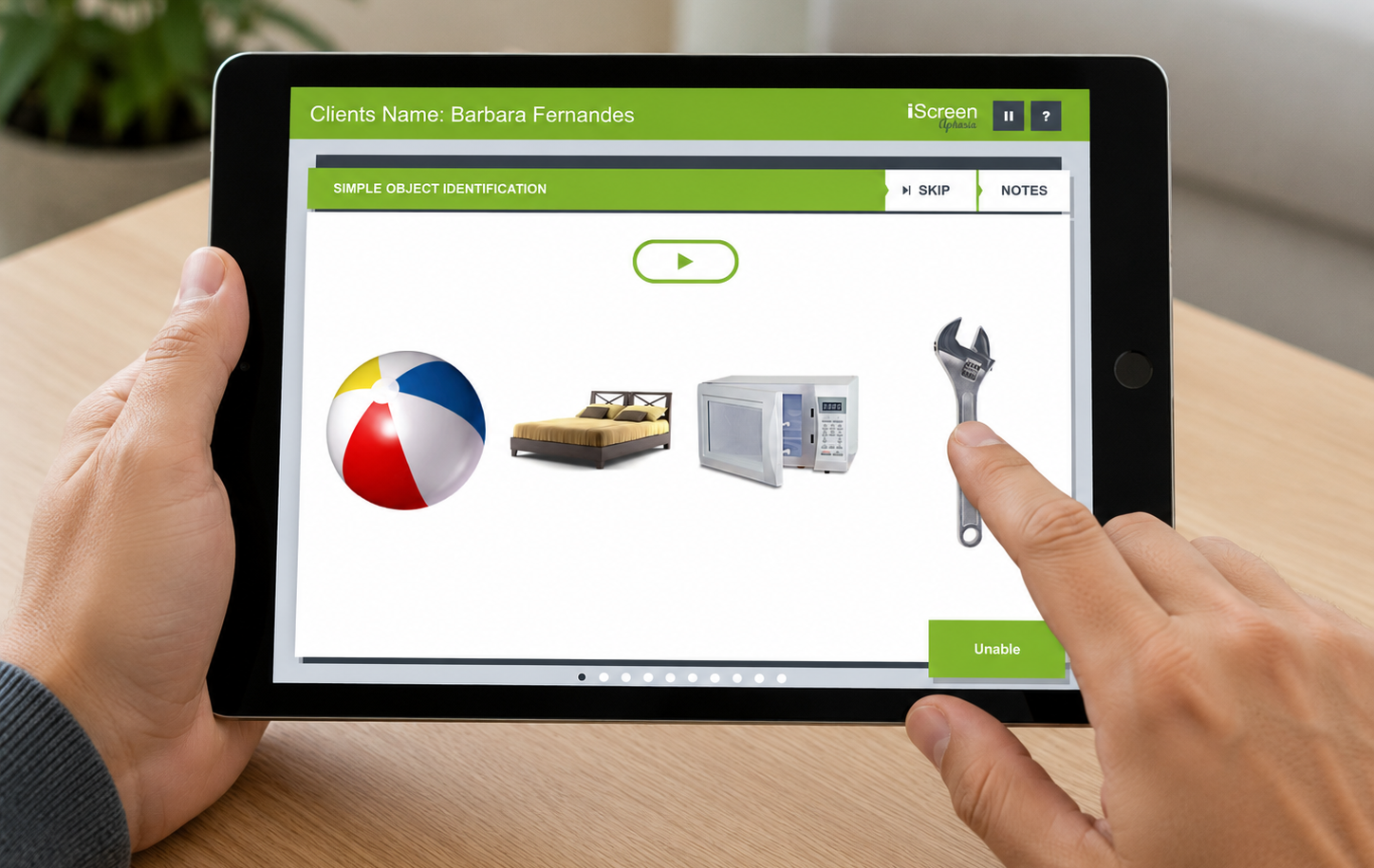
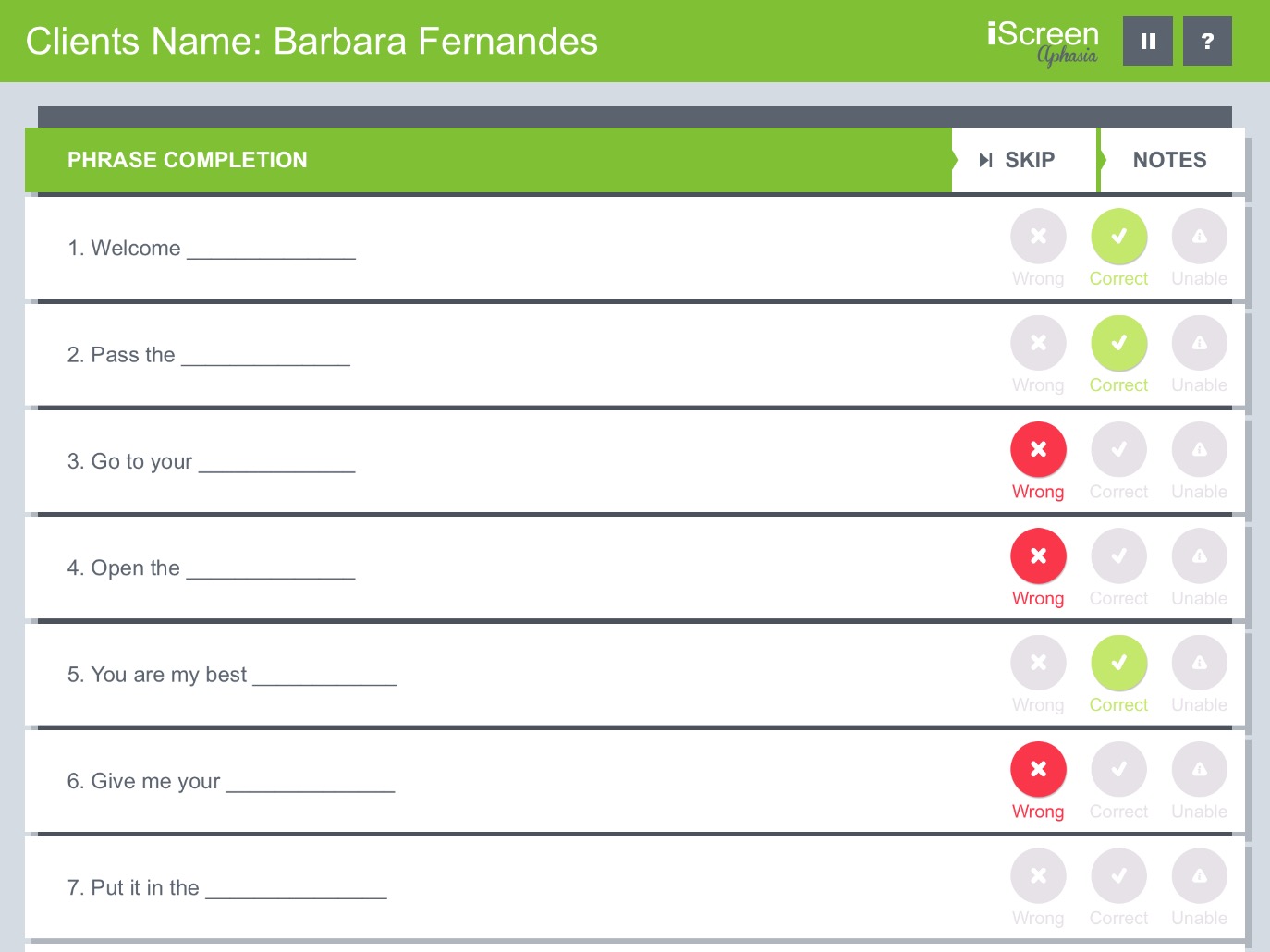
Evaluate your patient's auditory comprehension and processing skills using high-quality imagery and built-in audio prompts. Our carefully designed tasks offer a nuanced analysis of receptive language.
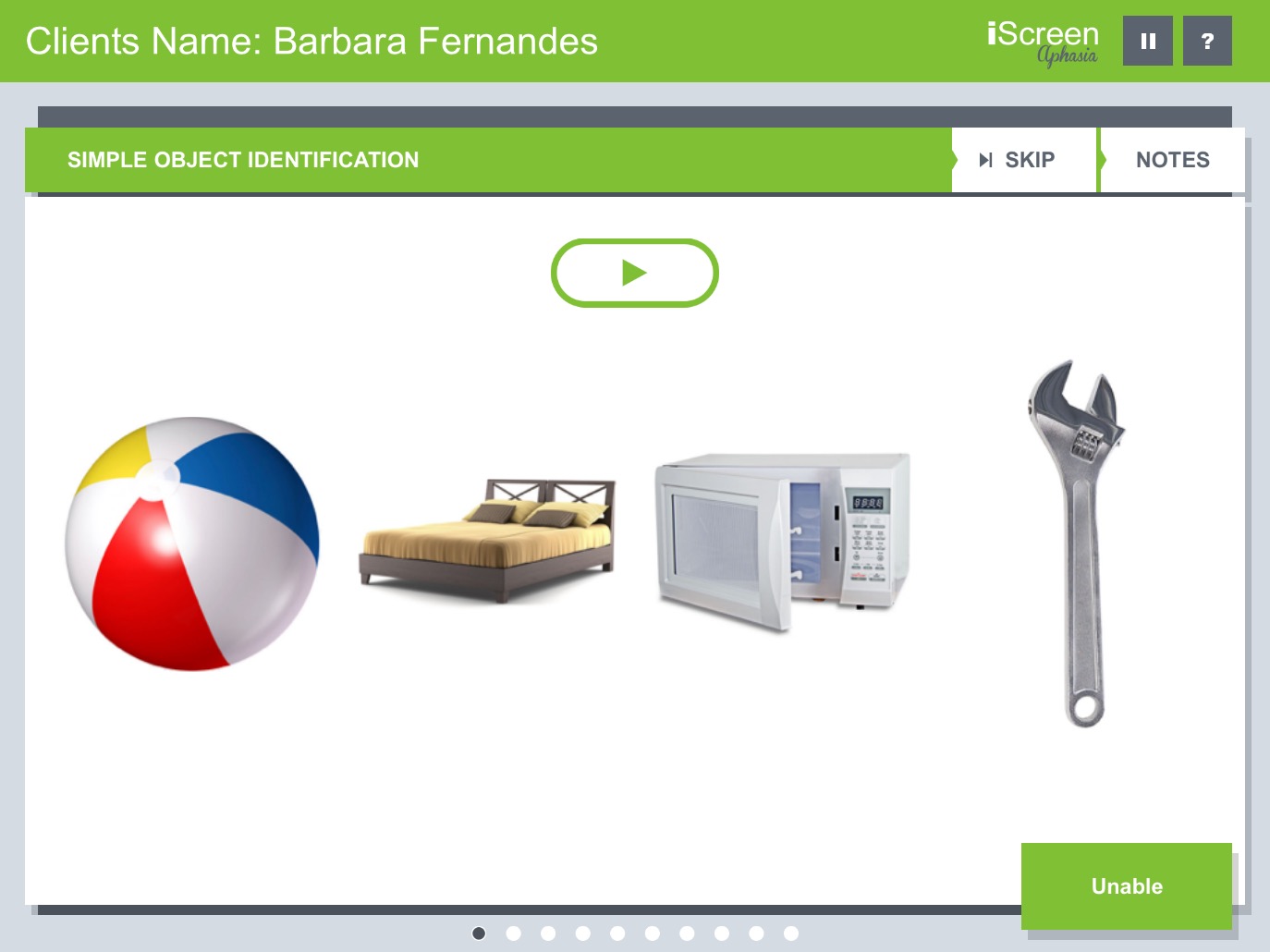
Assess the recognition and understanding of everyday items using crisp, visual confrontation.
Evaluate the ability to follow 1-3 step commands, a highly essential skill for daily living.
Test auditory listening skills, recall, and basic conversational understanding efficiently.
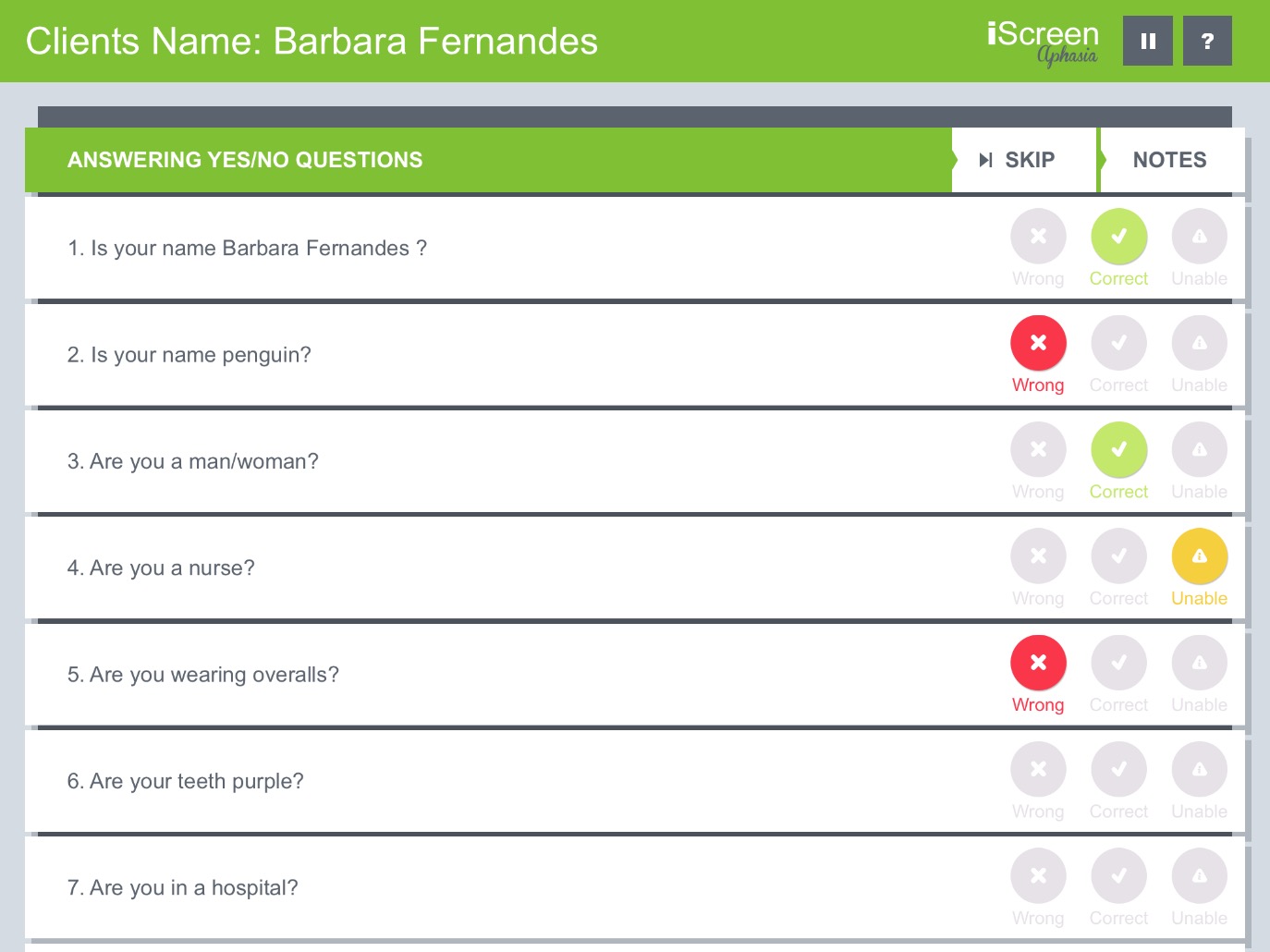
Quickly evaluate your patient's ability to process and answer biographical, environmental, and logic-based questions to establish a clear baseline of cognitive-linguistic function.
Effortlessly mark responses as Correct, Wrong, or Unable without interrupting the flow of your assessment.
Examine the understanding of basic conversational elements using a standardized set of practical questions.
Use the built-in Notes tab to document specific patient responses, delays, or verbal perseverations on the fly.
Determine the patient's skill to repeat words of increasing complexity, revealing potential issues with verbal memory, motor speech planning, or phonological processing.
Evaluate repetition starting from simple monosyllabic words like "Five" and escalating to multisyllabic targets like "Methodist".
Document not just right or wrong, but also identify 'Unintelligible' responses for better tracking of accompanying apraxia or dysarthria.
A clean, linear layout allows you to move seamlessly through the repetition battery while maintaining focus on the patient.
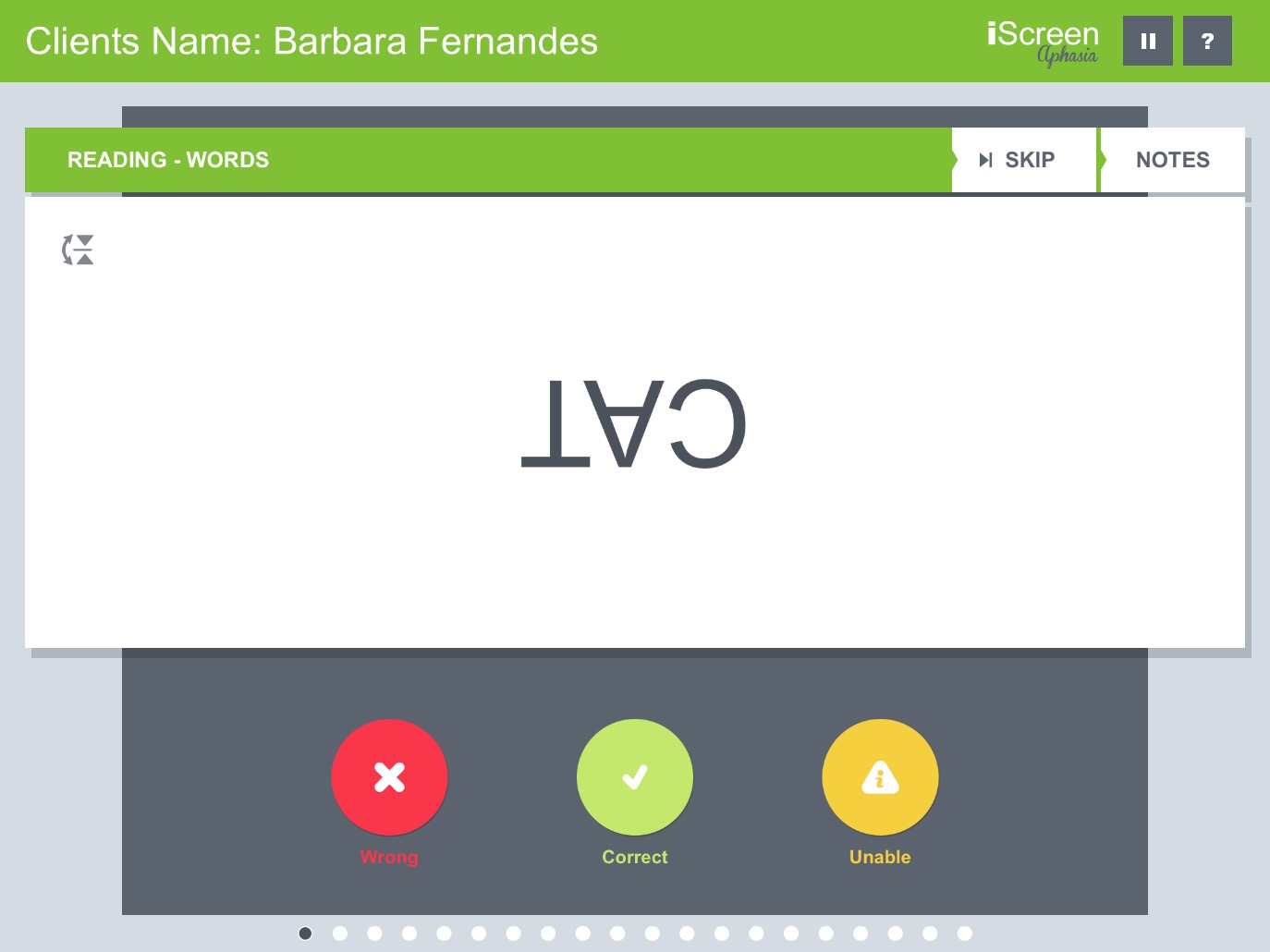
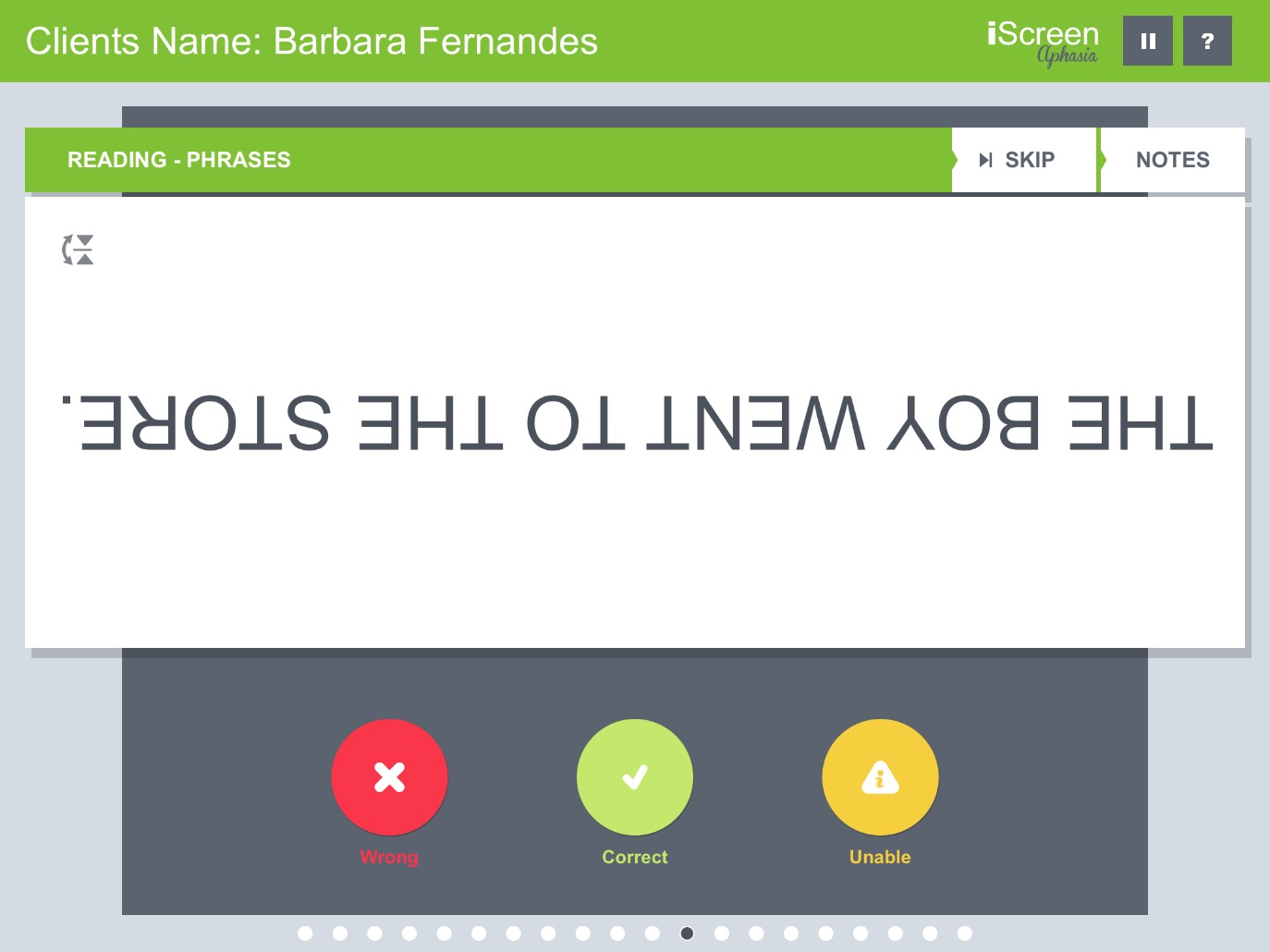
Evaluate your patient's ability to read aloud and comprehend written text, an essential component for functional communication and daily living tasks.
Text is intelligently inverted so you can comfortably hold the iPad while the patient reads from across the table, maintaining face-to-face clinical engagement.
Seamlessly scale the difficulty by starting with single words and advancing to full phrases to pinpoint the exact level of impairment.
Score the patient's performance silently using the clinician-facing buttons at the bottom of the screen while they focus solely on the reading material.
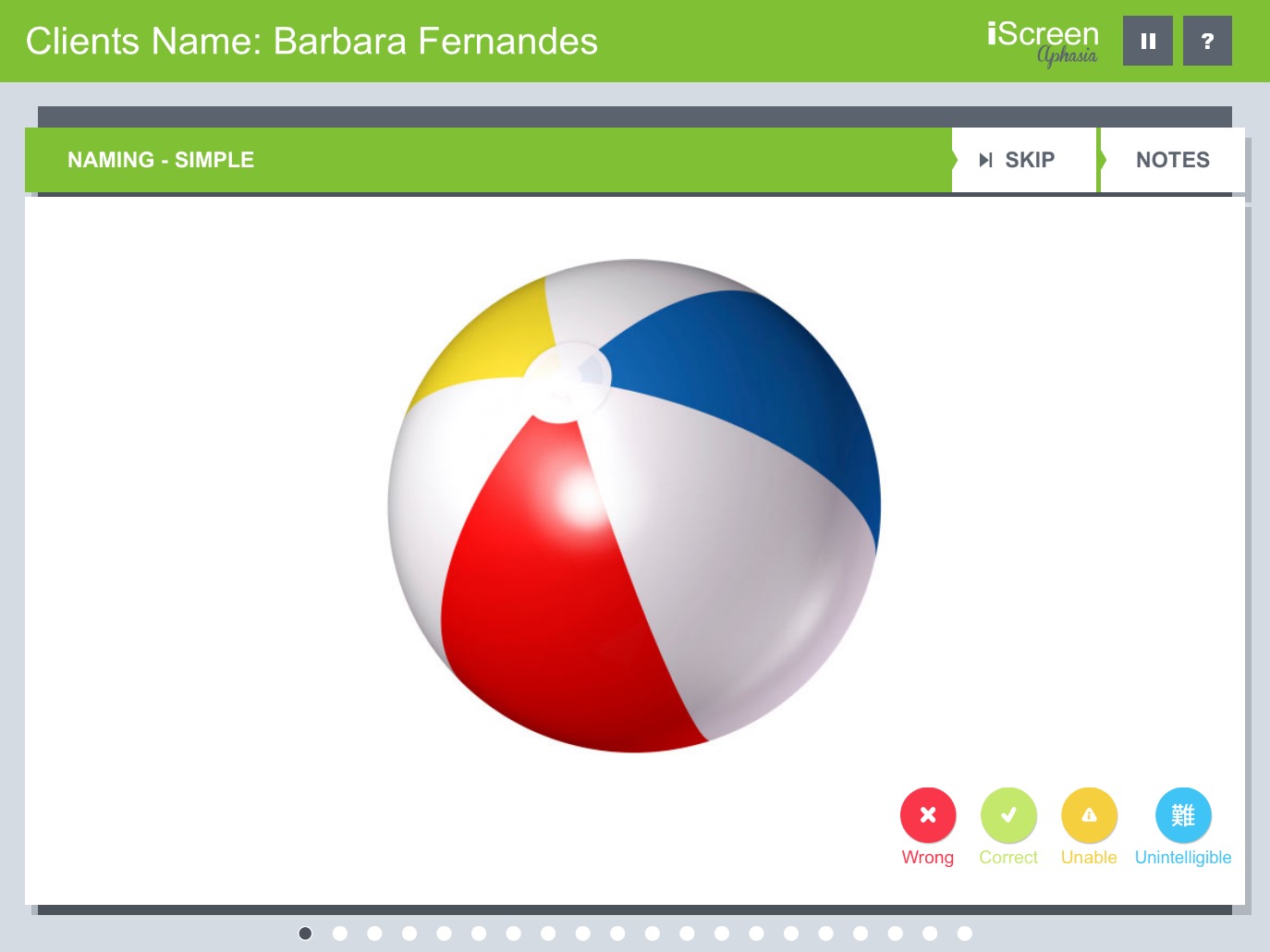
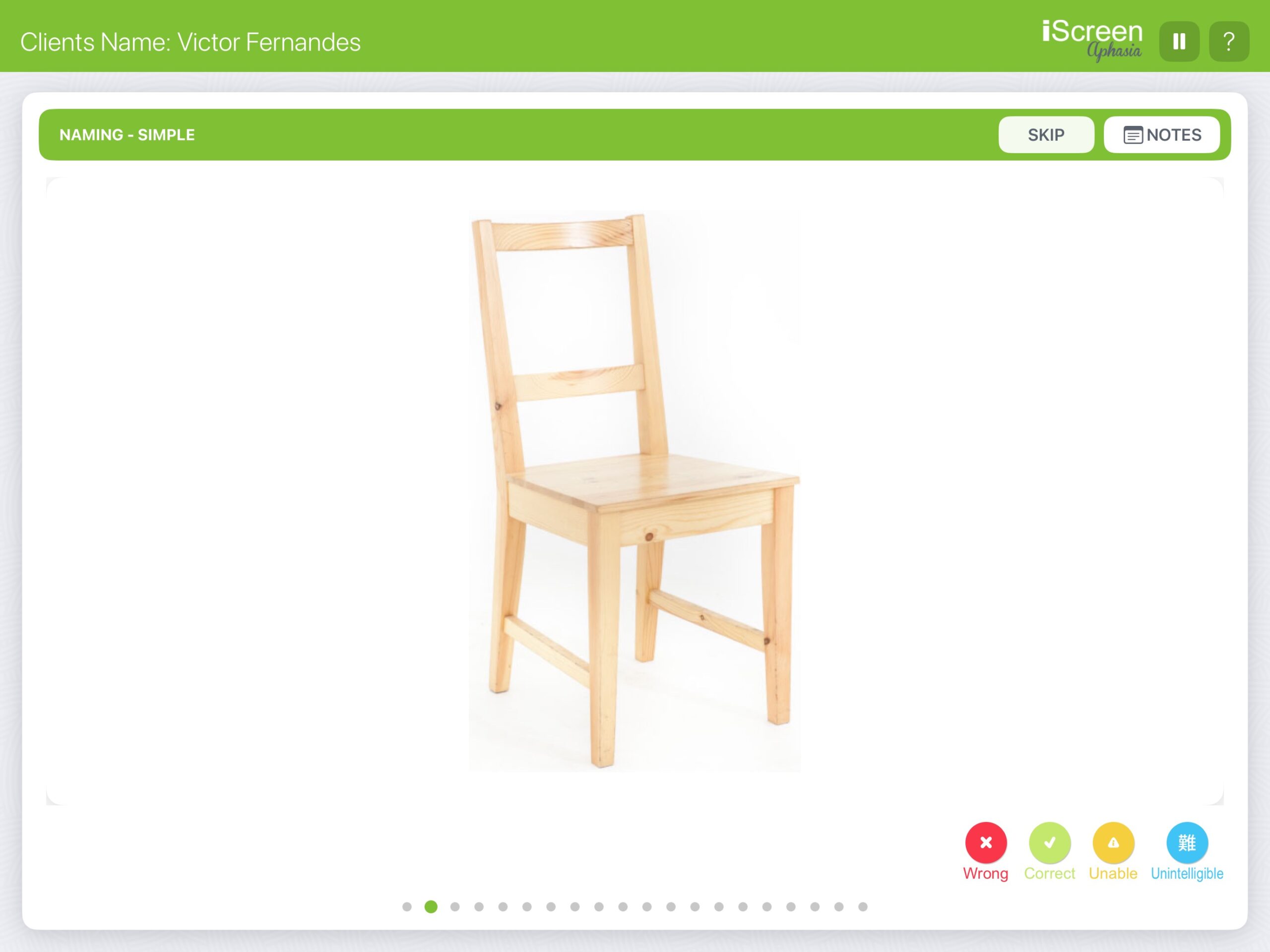
Assess your patient's ability to identify and name everyday objects using high-definition, real-world photography designed specifically to reduce visual ambiguity.
Eliminate confusion caused by line drawings. Our tasks use crystal-clear, isolated photographs of items ranging from simple (beachball) to complex.
Accurately map the severity of anomia or apraxia by classifying responses as Correct, Wrong, Unable, or Unintelligible directly on the screen.
Seamlessly manage multiple patients and track distinct progression timelines securely within the app's intuitive interface.
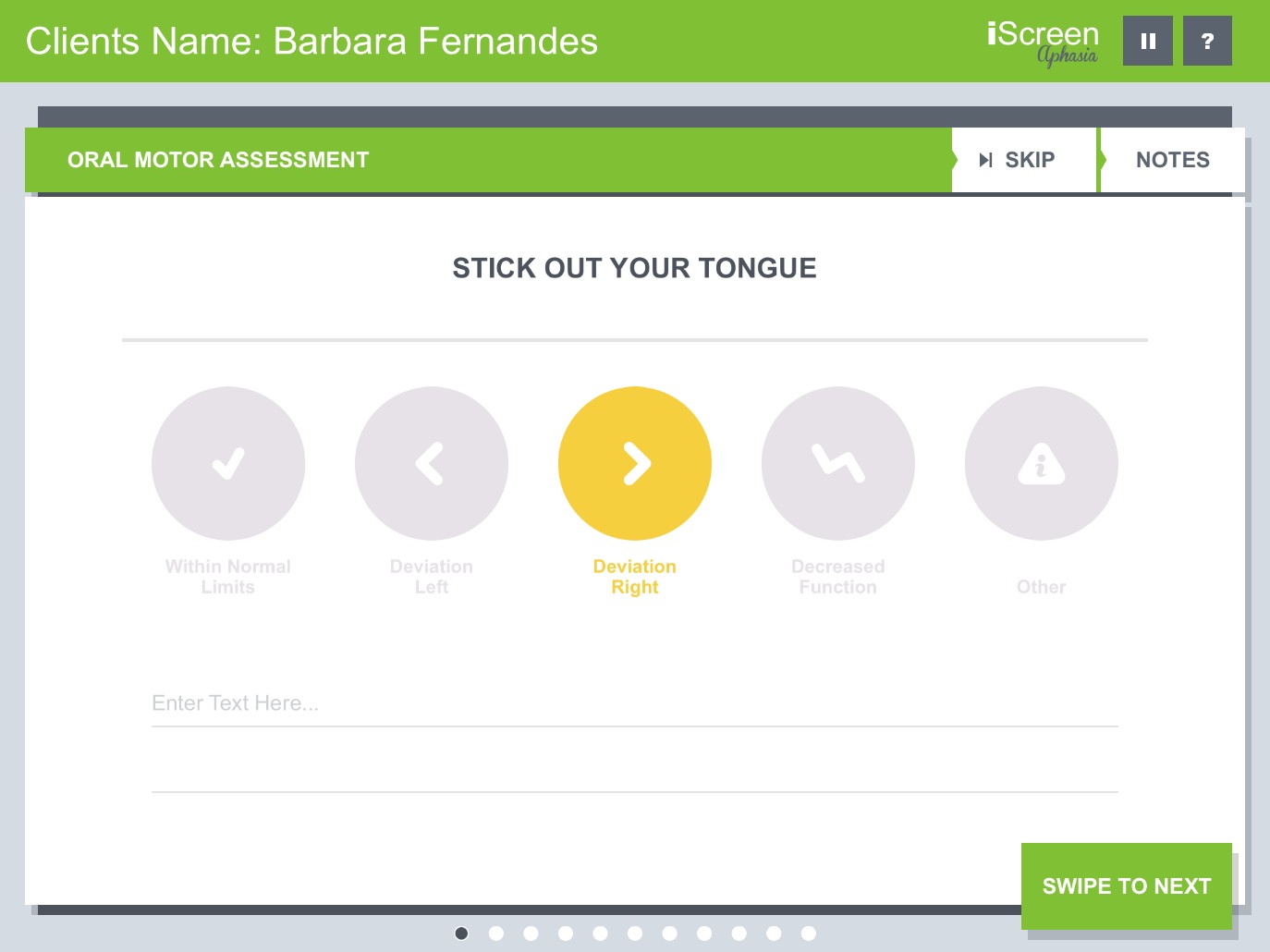
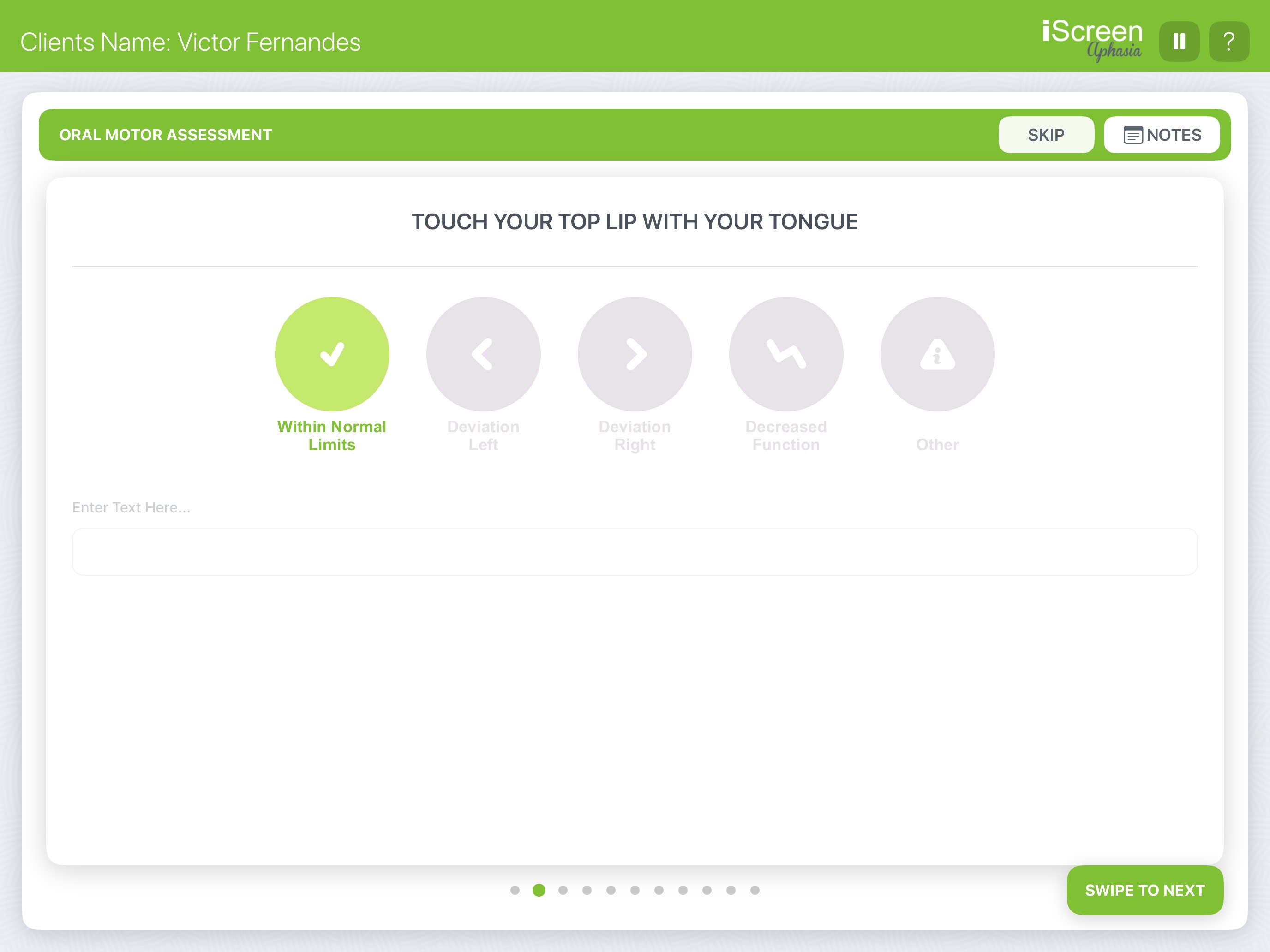
Go beyond cognitive-linguistics with a built-in evaluation of oral motor function. Assess labial and lingual range of motion, strength, and coordination to identify potential dysarthria or apraxia.
Guide patients through targeted physical tasks such as protrusion, lateralization, and elevation to evaluate articulation and swallowing readiness.
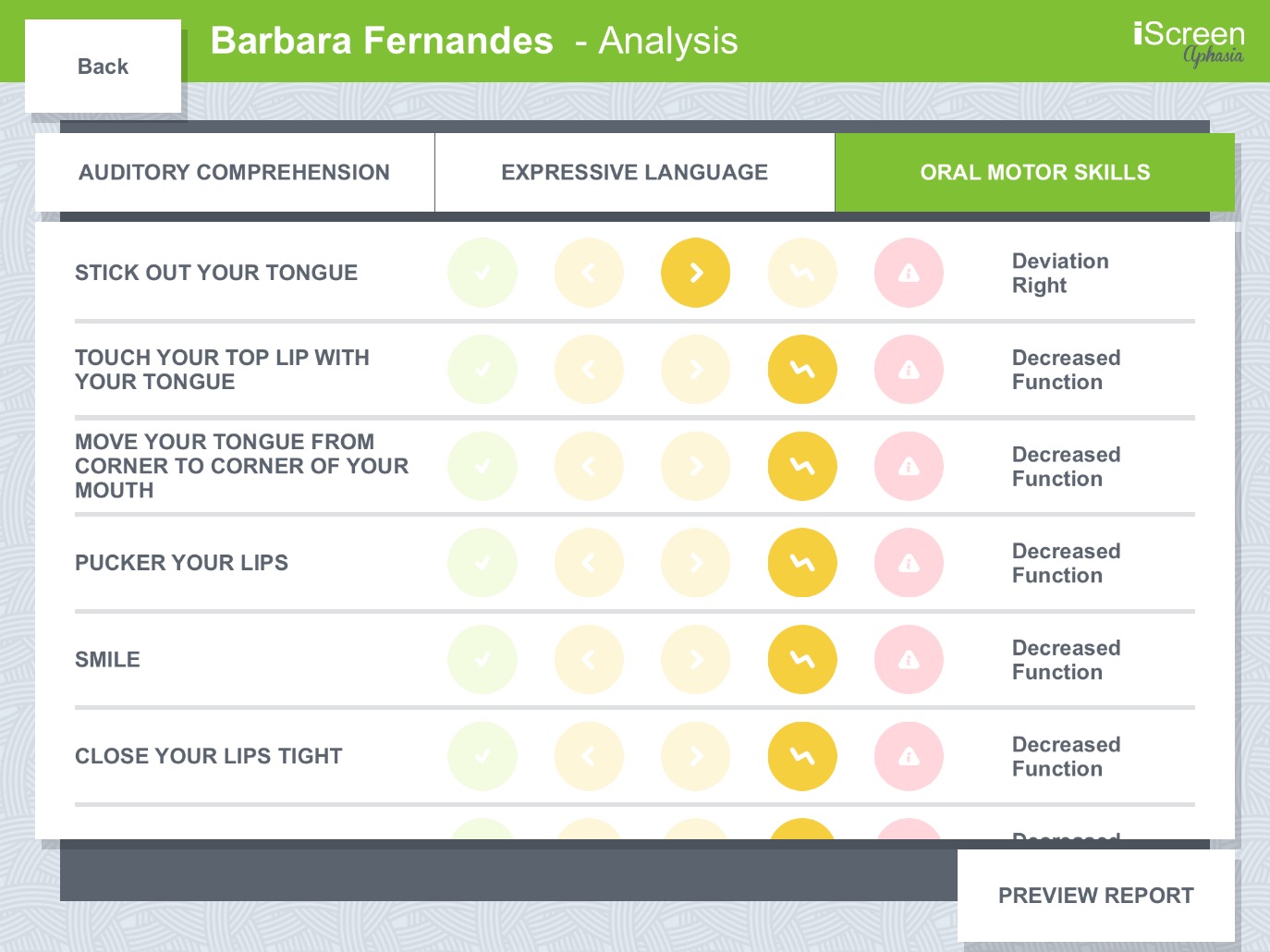
Easily document specific asymmetries or weakness by recording left/right deviations, decreased function, or within normal limits using a single tap.
Add qualitative notes directly beneath each physical task to accurately capture and report subtle clinical presentations.
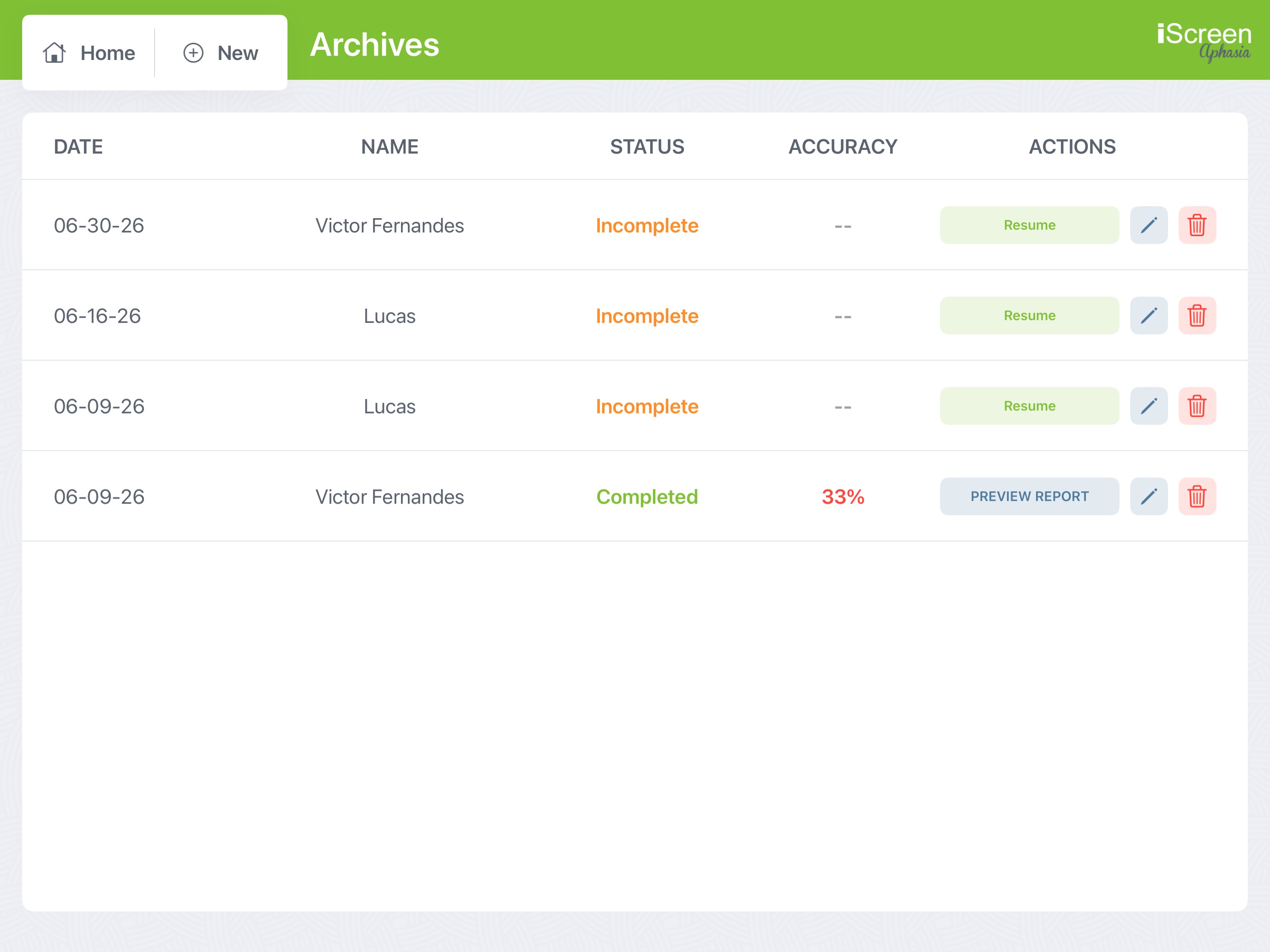
Keep all your patient data organized in one secure, easily accessible dashboard. The Archives section is designed to match the fast-paced reality of clinical settings.
If a session is cut short, the app automatically saves your place. Simply hit "Resume" to pick up the assessment exactly where you left off.
Easily review past screening dates and accuracy scores at a glance to monitor long-term recovery and establish data-driven discharge criteria.
With a single tap on "Preview Report", you can instantly pull up the automatically generated documentation for any completed evaluation.
Instantly transform your assessment results into actionable data. Our powerful analytics engine automatically calculates accuracy percentages, saving you hours of manual scoring and math.
Beautiful donut charts provide an immediate visual representation of patient strengths and weaknesses across all expressive and receptive domains.
Dive deep into specific subtests, like Oral Motor Skills, to review exact clinical observations, deviations, and functional limitations at a glance.
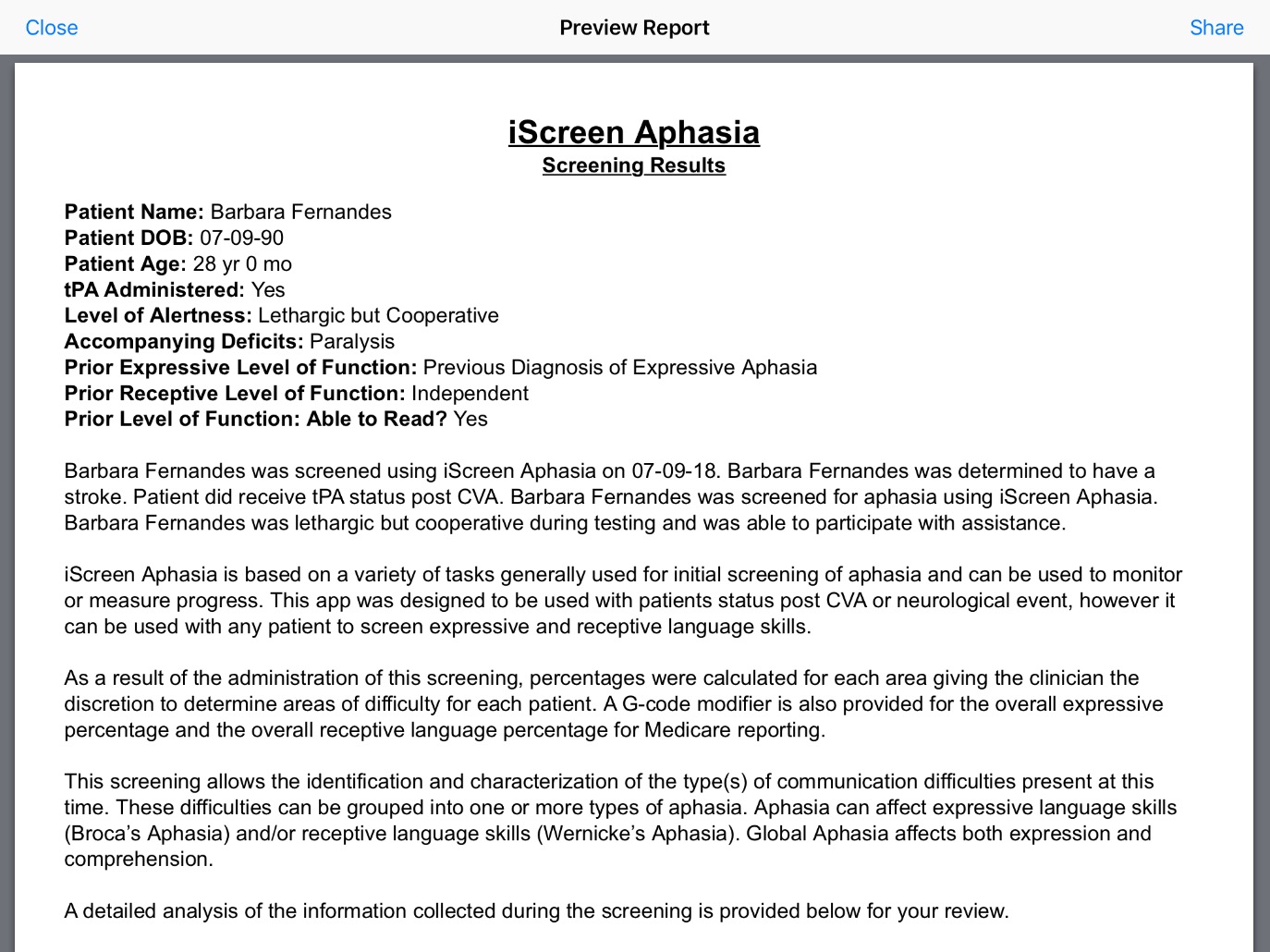
Transition seamlessly from visual analysis to official documentation by tapping 'Preview Report' to generate a fully written summary.
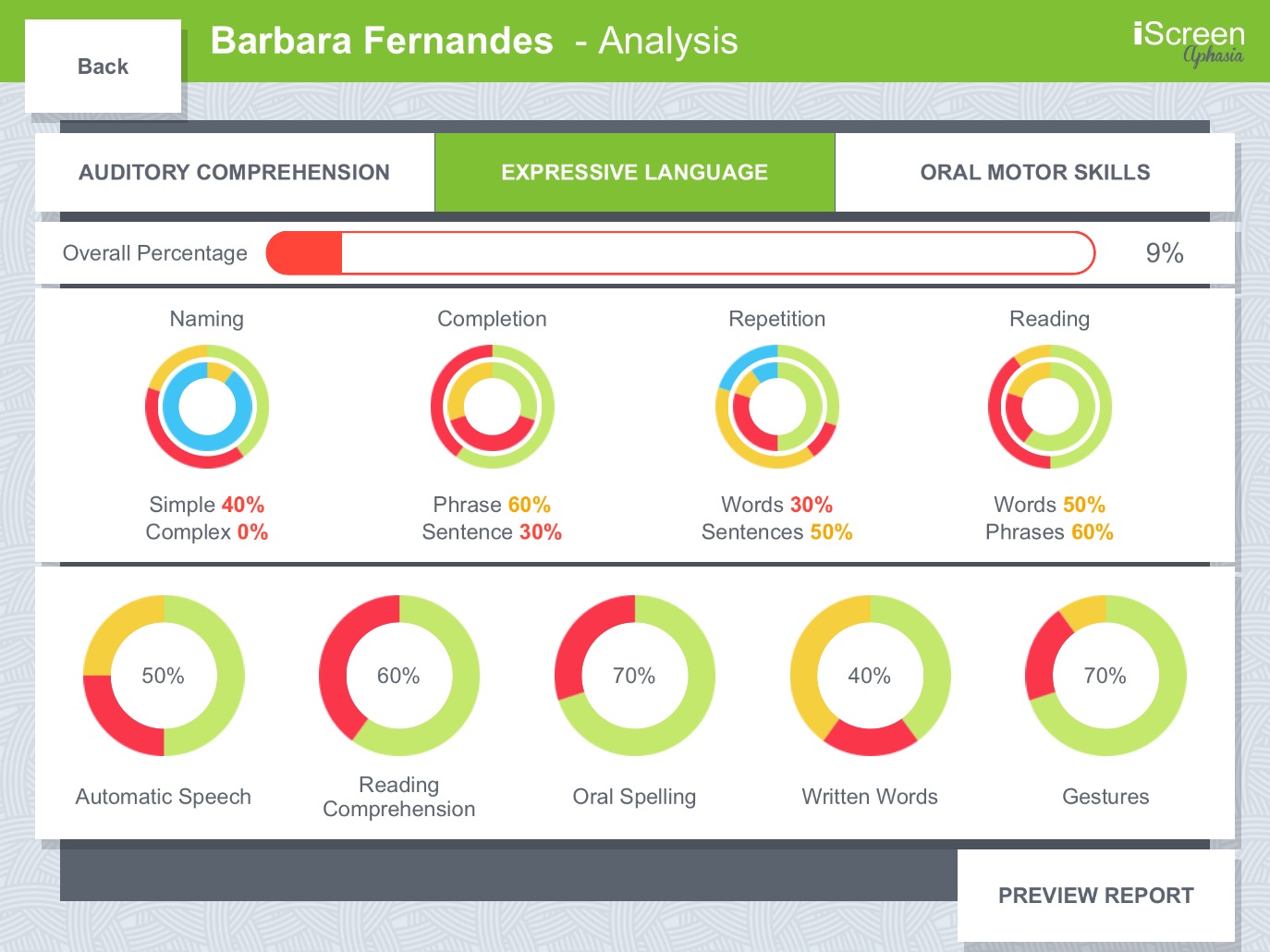
Eliminate hours of manual documentation. iScreen Aphasia automatically synthesizes your screening data into a comprehensive, professional narrative report ready for the patient's chart.
The app intelligently translates raw scores, percentages, and patient history into a cohesive, easy-to-read clinical narrative.
Reports explicitly include calculated percentages and suggested G-code modifiers to streamline your Medicare and insurance compliance workflow.
Generate a PDF report directly from the app to instantly print, email securely, or integrate into your facility's Electronic Medical Record (EMR) system.
Join thousands of Speech-Language Pathologists who rely on iScreen Aphasia for fast, comprehensive, and accurate clinical evaluations.
Download on the App Store