FeaturedSmarty Ears Online: 90+ activities in your browser, with progress reports for every student. Try it free for 14 days. Learn more →

90+ speech, language, literacy and social activities, one-tap scoring for up to 4 students at once, and a progress report for every goal.
Basic Professional: 14 days free, then $29 a month. Cancel anytime.
 Language Empires Now Available on Smarty Ears Online
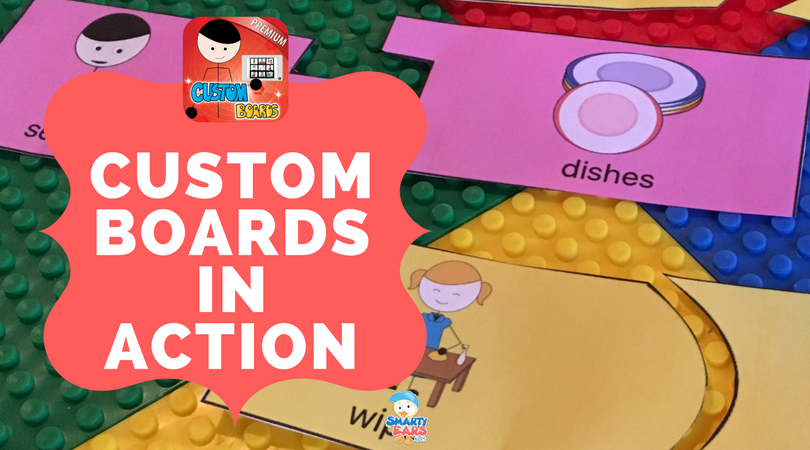 Custom Boards in Action
 Top iPad Apps for Helping Your Child Improve Pronunciation Skills