You know the word. You can picture the thing. But the name won’t come. For many adults with aphasia, this is the hardest part of everyday conversation, and families often aren’t sure how to help without taking over.
The good news is that word-finding can be practiced at home, a little at a time, with things you already have around you. Here’s a simple way to do it together, and the five kinds of help (called cues) that speech therapists use when a word gets stuck.
Start with your speech therapist. Ask which words to practice and which cues to try first. This guide is for practicing between sessions, not instead of them.
1. Practice with the things you use every day
The words that matter most are the ones used every day: shower, toothbrush, refrigerator, phone, blanket. Practicing the names of everyday objects means every success shows up again in real life, in the kitchen, the bathroom or the garage.
2. Sit side by side, and wait
Point to one object at a time and ask, “What is it called?” Then wait a few seconds before helping. Finding a word takes time, and jumping in too fast takes away the chance to find it.
3. If the word doesn’t come, give one cue at a time
Start with the lightest help and add more only if it’s needed. Here are the five cues, using a shower as the example:
- First letters: write the first letters, with a line for each letter still to come. sh____
- Meaning: say what the object is or does. “Where a person stands to bathe.”
- Sentence: say an everyday sentence and leave the word out. “When you are dirty you take a ______.”
- First sound: say just the beginning sound of the word. “Sh…”
- Whole word: say the word, and let them repeat it. “Shower.”
Your speech therapist may know which of these works best for your family member. It’s worth asking, because the right first cue saves frustration.
4. Praise every try
Praise every attempt, not only the right answers. If all five cues have been tried and the word still won’t come, that’s fine: say it together, and put it on the list to practice again another day.
5. Keep track, and share it with the speech therapist
Notice which words come on their own, which come after a cue, and which cue helped. A few notes after each practice give your speech therapist a clear picture of how home practice is going.
An app that does the cueing for you: iName It
iName It is a word-finding app from Smarty Ears for adults and older adults with aphasia, apraxia of speech or word-finding difficulty. It follows the routine above:
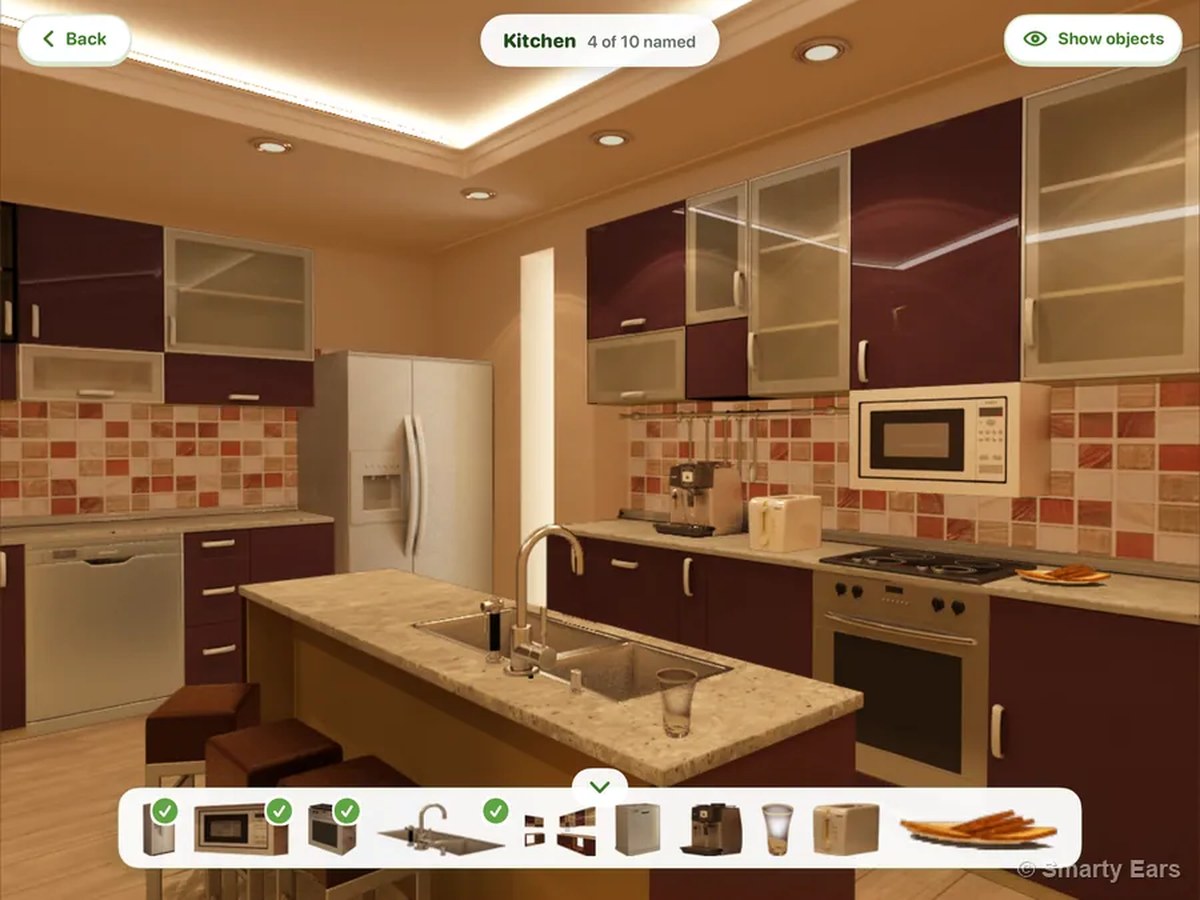
- Fifty everyday objects in five rooms of a home: kitchen, living room, bedroom, bathroom and garage, ten in each.
- The same five cues for every object (first letters, meaning, sentence, first sound and whole word), shown and read aloud with the app’s own recordings.
- A family mode. The first time it opens, the app asks “Who will be using iName It?” Families get plain cue names, a short “Practicing together” card and simple words throughout.
- Progress in plain words: the days you practiced, the words named without help, a level for each room, star words, and words to keep practicing, each with a sentence to say together.
- Send it to the speech therapist with one tap: a short summary of the week’s practice.
- English, Spanish or Portuguese as the practice language for each person.
- One purchase for iPad and iPhone, $19.99 on the App Store.
Download iName It on the App Store
Watch how families use it

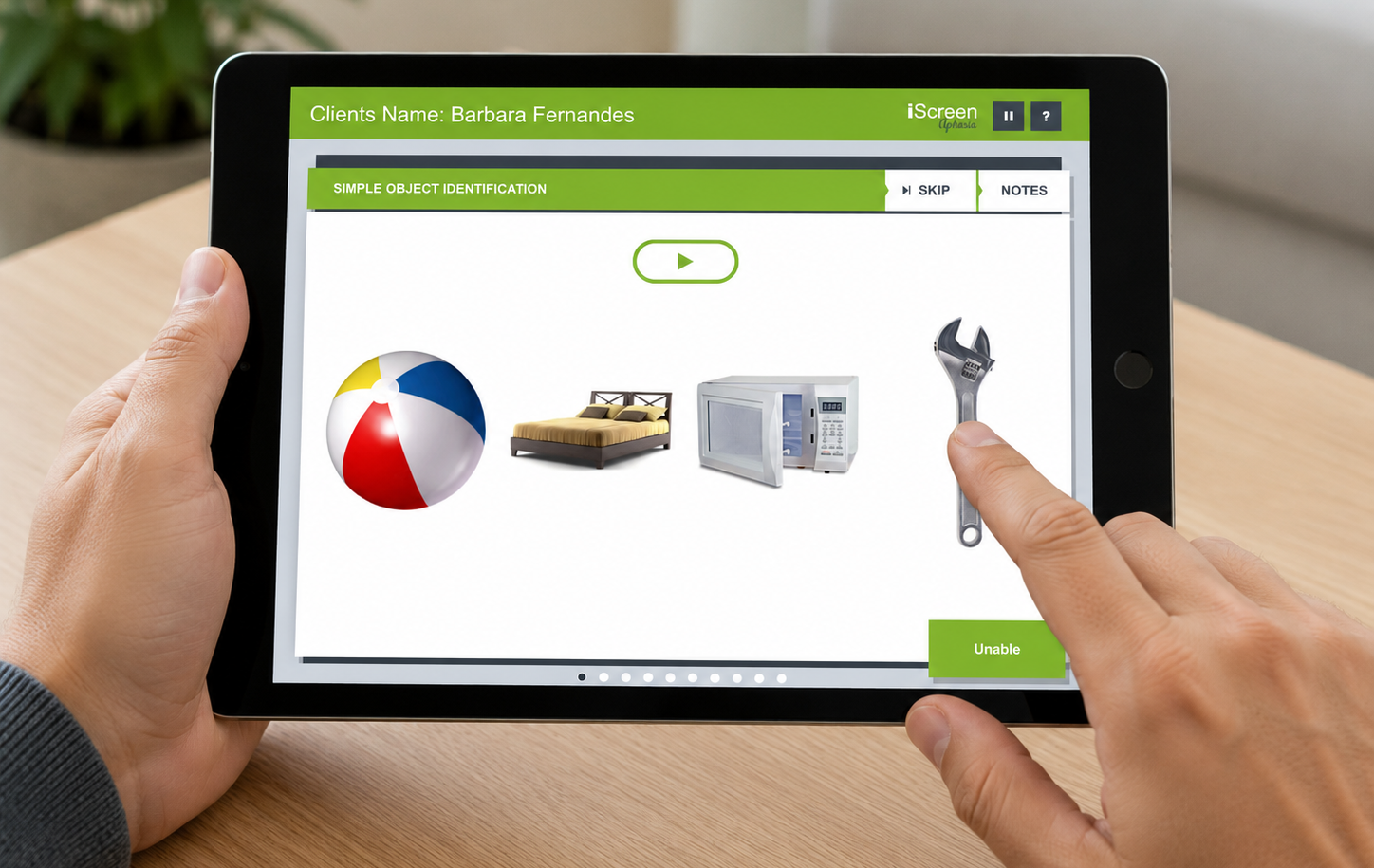 iScreen Aphasia
 Reading Rehabilitation Toolkit